
Security Two Factor Authentication for Admin Access
Strengthen security two factor authentication for admin access with phishing-resistant methods, tested recovery and checks for session and token risks.
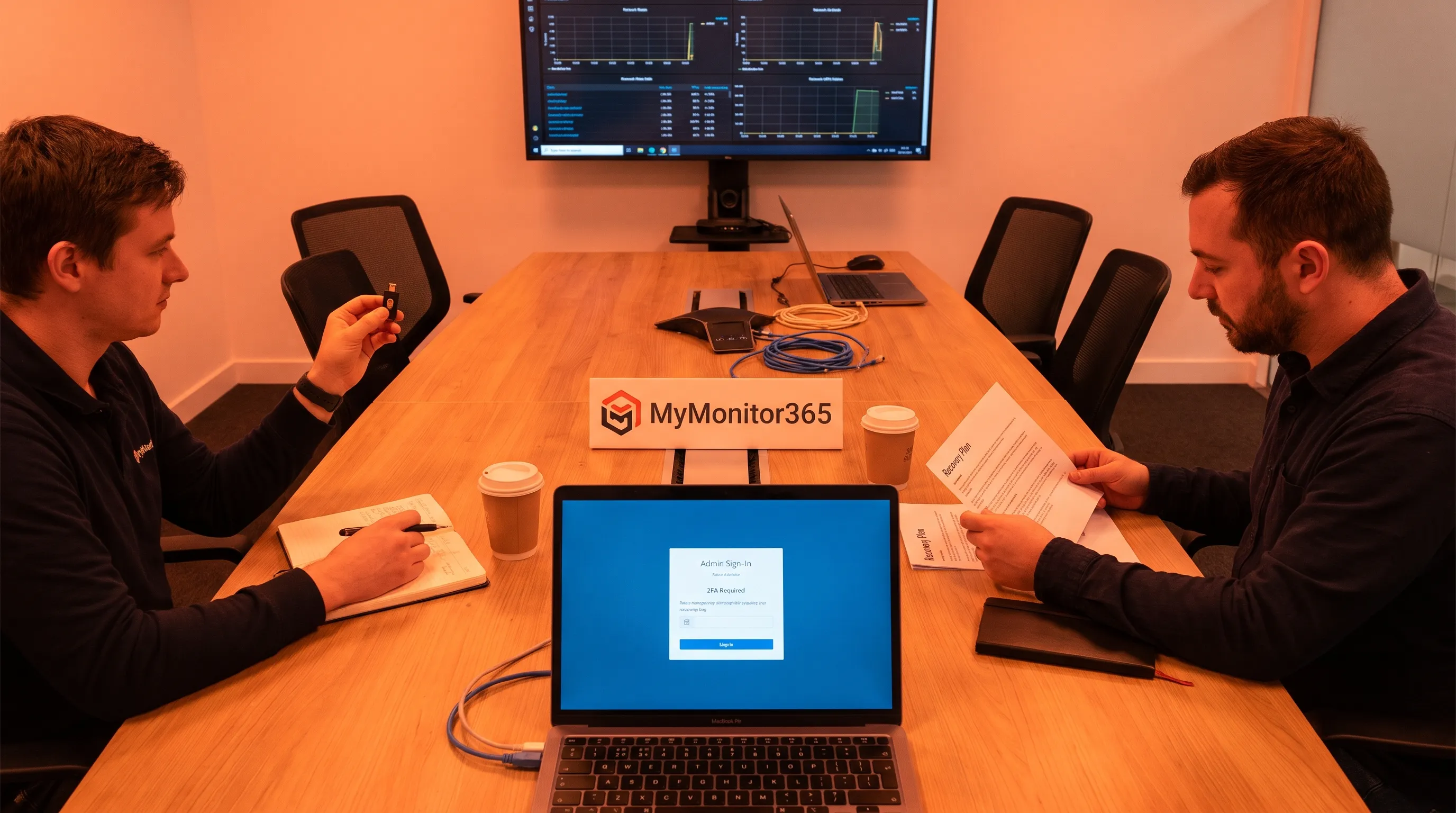
If you’re reviewing security two factor authentication for admin access, start with what an intruder could change after signing in. A compromised administrator can redirect alerts, disable checks, alter DNS settings or create another privileged account. Protecting that access requires more than adding a code prompt to the normal login page.
The objective is to make stolen passwords insufficient without making emergency access unreliable. That means selecting appropriate factors, checking every route into the admin console and testing recovery before a phone disappears during an incident. It also means understanding where two-factor authentication stops protecting you, especially after a session or API token has been stolen.
Start with administrative authority
An account deserves stronger protection because of its permissions, not its job title. A monitoring administrator who can silence outage notifications may have operationally sensitive access even without permission to modify production servers.
Identify accounts that can change user roles, authentication policies, monitoring coverage, alert destinations or integration credentials. Include tenant owners, delegated MSP administrators and emergency accounts. Where supported, separate everyday work from privileged administration so that reading a dashboard does not require an administrator session.
For each privileged role, record the account owner, its authentication source and the actions it can perform. Also record whether access comes through a local password, an identity provider or another supported route. This inventory becomes the basis for testing enforcement rather than simply counting enrolled users.
An enrolled administrator is not necessarily a protected administrator. Protection depends on whether the application actually requires the additional factor wherever that account can authenticate.
Security two factor authentication: choose distinct factors
Two-factor authentication requires evidence from two different categories: something you know, something you have or something you are. A password plus an authenticator-generated code combines knowledge with possession of an enrolled authenticator.
A password plus a security question does not provide the same separation. Both are knowledge checks. Likewise, two successive password prompts are not two-factor authentication.
For privileged access, compare methods by their resistance to phishing as well as their operational practicality.
| Method | Phishing resistance | Admin-access consideration |
|---|---|---|
| Password plus SMS code | Not phishing-resistant | SIM swaps, number reassignment and carrier dependencies make it a weaker choice |
| Password plus TOTP authenticator code | Not phishing-resistant | Avoids SMS delivery but codes can still be captured and relayed |
| Password plus push approval | Usually not phishing-resistant | Number matching helps reduce accidental approvals but does not make ordinary push phishing-resistant |
| Password plus FIDO2 security key | Phishing-resistant when correctly implemented | Register a spare key and plan for device or browser compatibility |
| Passkey with user verification | Phishing-resistant | Confirm user-verification requirements and whether credentials are synced or device-bound |
CISA’s guidance on implementing phishing-resistant MFA identifies FIDO/WebAuthn as a phishing-resistant approach. Unlike a manually entered code, a WebAuthn authentication response is bound to the legitimate service.
A passkey can replace the password and separate code step. Whether it satisfies a particular multifactor policy depends on the implementation and required user verification. A security-key touch alone should not be confused with a PIN or biometric verification.
Test every route into the admin console
A security two factor authentication review should test enforcement, not just confirm that an authenticator has been registered. Run the checks with an authorized test account and document the expected result before starting.
Begin with a fresh browser session. Attempt the normal sign-in, then examine any alternative paths the application supports: local credentials, single sign-on, password reset, account recovery and invitation acceptance. A strong identity-provider policy does not automatically secure a separate local login.
Check when enforcement takes effect. If an administrator enables a requirement, does it affect existing privileged users, newly invited users and later role promotions? Can an account gain administrative permissions before completing enrollment? These are product-specific behaviors that require verification.
Also test remembered devices and existing sessions. A policy change may not invalidate sessions that were already authenticated. Where supported, require reauthentication or revoke sessions when introducing stronger requirements.
Record a pass or fail for each applicable path, with the account role and policy configuration used during the test. A successful enrollment screenshot is useful evidence, but it does not demonstrate that bypass routes are closed.
Require fresh authentication for high-impact changes
Initial sign-in and authorization to make a dangerous change are separate decisions. An administrator who authenticated hours ago should not necessarily retain unrestricted access from an unattended workstation.
Where the platform supports it, require recent authentication before changing authentication settings, assigning privileged roles, generating powerful credentials or modifying recovery methods. For especially sensitive actions, consider a second-person approval workflow if the system provides one.
For admin security, two factor authentication should be paired with sensible session controls rather than treated as permanent proof of identity. Review session duration, inactivity timeouts and the ability to revoke access after suspected compromise.
Do not assume these controls exist in every monitoring or SaaS platform. Confirm capabilities during procurement and document compensating controls where a required safeguard is unavailable.
Design recovery before a device is lost
A security two factor authentication policy is incomplete until an authorized administrator can recover access without creating an easy takeover route. Recovery deserves the same scrutiny as routine login because it can replace the factors protecting the account.
Prepare for three different failures: losing a phone, replacing a phone and losing access to the identity provider. Changing a phone number mainly affects SMS-based authentication, while TOTP recovery depends on whether the authenticator credentials remain available or can be restored securely.
Where supported, enroll a second authenticator or backup security key before an incident. Store recovery codes in an approved restricted vault or another protected location appropriate to your threat model. Do not make the sole recovery copy accessible only through the account it is meant to recover.
Treat recovery codes as secrets that can substitute for a normal authentication step. Limit access and replace them after use when the service supports regeneration.
For help-desk resets, define identity-verification requirements, approval authority and notification procedures. An urgent message from someone claiming to be the CIO is not sufficient authorization. Test the process with a controlled exercise and confirm that the previous authenticator can be removed after access is restored.
Keep emergency access independent and accountable
Emergency access exists for failures such as an unavailable identity provider, not to make routine administration more convenient. Design its authentication and storage so that the same outage does not disable both normal and emergency access.
Avoid casually exempting an account from all authentication protections. Prefer a separately secured route with strong authenticators where the platform supports it. If a documented exception is unavoidable, restrict its use and review it as a specific risk acceptance.
Define who can retrieve the credentials, who authorizes their use and how activity will be reviewed. After an emergency, inspect the changes made, revoke unnecessary sessions and replace exposed secrets as appropriate.
Recovery drills should demonstrate both availability and control: the authorized team can get in, and an unverified requester cannot persuade support to bypass the policy.

Address sessions and tokens separately
Two-factor authentication protects an authentication event. It does not automatically stop an attacker who steals an already authenticated browser session or obtains a valid API token.
This distinction matters in monitoring environments, where integrations may operate continuously without interactive login. A token that can modify checks or alert destinations may remain powerful even when every human administrator uses strong authentication.
Keep the security two factor authentication policy focused on human sign-in, then apply separate controls to nonhuman credentials. Use narrowly scoped tokens where available, assign an accountable owner and avoid using a personal administrator credential for an integration. Revoke unused credentials and rotate them after suspected exposure.
For browser sessions, secure endpoints and maintain a practical session-revocation procedure. Phishing-resistant login is valuable, but it does not make a compromised administrator workstation trustworthy.
These protections belong alongside least privilege, change controls and incident response. The broader approach to security controls for high-impact systems helps connect privileged identity protection to the infrastructure those identities manage.
Ask for evidence that the control works
An IT manager should be able to distinguish configuration evidence from operational evidence. A setting marked “required” describes intent; a successful enforcement test demonstrates behavior.
Use a compact review record rather than a large checklist that nobody maintains:
- Coverage: Identify every privileged human account and its applicable authentication requirement.
- Enforcement: Record the result of testing each supported sign-in and recovery route.
- Resilience: Document a successful recovery exercise that does not rely on the unavailable factor.
- Exceptions: Assign an owner, justification and review date to each approved deviation.
- Visibility: Confirm which authentication, recovery and administrative-change events the platform exposes.
Use these records to assess security two factor authentication coverage after role changes, identity-provider migrations and major authentication-policy updates. Recheck exceptions rather than letting temporary access become permanent.
For MSP environments, make the review tenant-aware. One protected technician account does not prove that every client tenant applies the same requirements or grants appropriate permissions.
Finally, distinguish service monitoring from identity monitoring. A successful HTTP check proves that an endpoint responded under the check’s conditions. It does not prove that administrator authentication is enforced correctly or that no privileged session has been stolen.
Apply the policy to your monitoring platform
A monitoring console deserves protection because it influences what the team sees during an outage. Unauthorized changes to checks, maintenance windows or alert destinations can reduce visibility even when the monitored services remain online.
MyMonitor365 supports TOTP-based two-factor authentication, and team administrators can make it mandatory, as described in its two-factor authentication announcement. Use the documented controls to protect accounts, then verify enrollment, enforcement and recovery against your own administrative-access requirements.
Do not assume that TOTP support also means support for hardware keys, passkeys or a particular session policy. Evaluate each capability separately.
MyMonitor365 also includes audit logs. Confirm which events are available and how your team will review them rather than assuming that every authentication or recovery event is captured. Keep ownership of monitoring configuration and privileged-account administration explicit.
Frequently asked questions
What is the most secure two-factor authentication method for administrators? Prefer phishing-resistant authentication, such as correctly implemented FIDO2/WebAuthn security keys or passkeys with required user verification. For privileged accounts, also evaluate device control, recovery and credential-sync policies. The NIST authentication guidelines provide a framework for assessing authenticator assurance and phishing resistance.
How do I get my two-factor authentication code? For TOTP, open the authenticator app enrolled with that account and use its current code. SMS codes arrive at the registered number. Security keys and passkeys usually authenticate through an interaction or device-verification prompt rather than a code you copy.
Where can I find my 2FA settings? Look in the account’s security or sign-in settings and consult the service’s documentation. In managed environments, administrators may control the requirement through an identity provider. Confirm which system actually authenticates the account before changing settings.
Does every admin account really need two-factor authentication? A security two factor authentication requirement should cover privileged human accounts, including delegated administrators. Handle emergency exceptions explicitly. Service accounts and integrations need credential controls suited to noninteractive access rather than an interactive code prompt.
What should I do after losing my authenticator? Use a previously enrolled backup method or recovery code, or follow the organization’s verified recovery process. After restoring access, remove the lost authenticator, register its replacement and review account activity. Never share codes with someone offering unsolicited recovery help.
Protect monitoring access without weakening recovery
Review your monitoring administrators before the next incident: identify who can change coverage, require supported two-factor authentication and test how authorized recovery works. Start with MyMonitor365 to explore its monitoring platform, then validate its access controls against your team’s requirements.
#MFA #TwoFactorAuthentication #PrivilegedAccess #ITSecurity #MyMonitor365