
What Does SSL Expiry Monitoring Cost Your IT Team?
Calculate ssl expiry monitoring costs with a practical DIY vs. paid budget, labor estimates and buying criteria for IT teams.
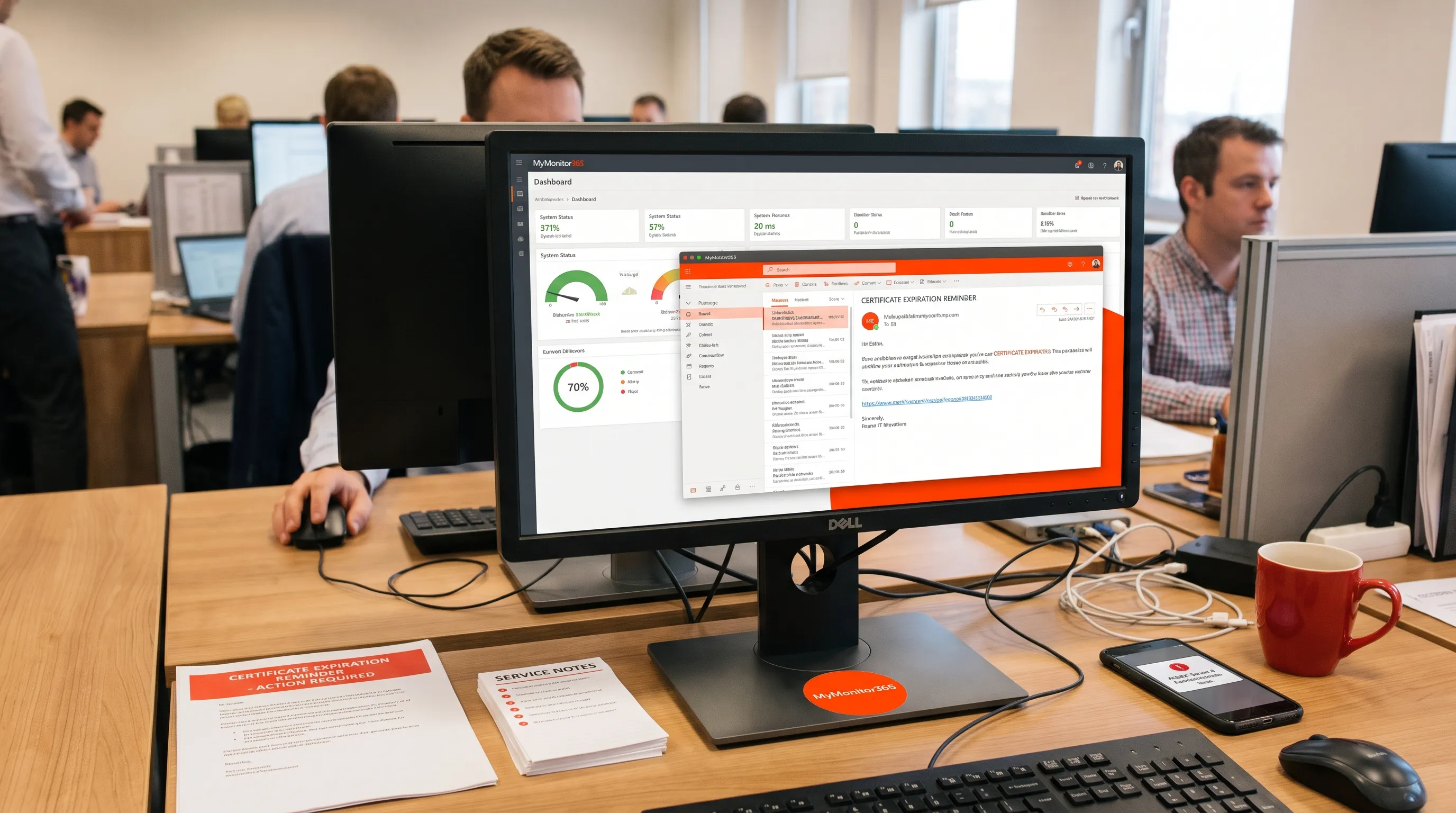
Budgeting for ssl expiry monitoring means counting more than a software subscription. Your IT team also pays for endpoint discovery, alert handling, maintenance and the work required to confirm that renewed certificates are actually serving traffic. A free script can have no license fee yet consume more staff time than a paid service.
The useful comparison is annual operating cost for equivalent coverage, not price per certificate. Start with the endpoints you need to protect, assign a realistic cost to engineering time and separate monitoring expenses from certificate issuance and renewal work. The model below shows how to build that budget without relying on vendor pricing claims or speculative outage savings.
How much does ssl expiry monitoring cost?
There is no universal price because teams buy different amounts of coverage and operational support. A public website, a regional API estate and an MSP managing customer environments have different requirements.
Use this planning equation:
First-year cost = setup labor + annual subscription or infrastructure + monitoring administration + incident-response labor.
For subsequent years, remove initial setup but retain the cost of onboarding new endpoints, changing ownership and testing notifications. Track certificate issuance and renewal separately unless your proposed solution explicitly includes those functions.
Keep outage risk beside this calculation rather than hiding an invented savings figure inside it. If you have historical incident data, use your own recovery hours and documented business impact.
Count monitored endpoints, not just certificates
One certificate can appear on several load balancers, gateways or regional services. Conversely, one domain can expose different certificates depending on hostname, port, network path or TLS Server Name Indication (SNI).
Before comparing quotes, define the billable unit. Providers may count monitors, hostnames, services, locations or combinations of these. A second monitoring location might be included or consume additional capacity, so check the plan rather than assuming.
Your inventory should include public services, internal endpoints and less visible dependencies such as administrative portals. Internal services may require checks from inside the network, which introduces deployment and access requirements.
The scope of ssl expiry monitoring should therefore follow the services that can fail independently, not simply the number of certificates purchased.
Include the work around every check
A monitoring check is inexpensive compared with repeated human intervention. Budget for maintaining endpoint records, investigating warnings, updating ownership and handling exceptions during migrations.
Existing scripts also have an operating cost. Someone must maintain runtime dependencies, protect credentials, detect failed jobs and ensure notifications still reach the right destination.
For a defensible comparison, estimate monthly hours from recent work rather than asking whether a tool feels easy. Include onboarding and reporting time for customer environments if your team operates as an MSP. Do not assume a paid subscription removes all administration.
A worked budget: DIY checks versus a paid service
The following is an illustrative model, not MyMonitor365 pricing or a market average. It assumes 100 endpoints, a loaded labor cost of $75 per hour and equivalent monitoring coverage in both options.
The paid-service subscription is an assumed $30 per month. The DIY option assumes $10 per month of incremental infrastructure cost. Replace both figures with your actual costs before making a decision.
| Cost item | DIY checks | Hypothetical paid service |
|---|---|---|
| Initial setup | 12 hours × $75 = $900 | 4 hours × $75 = $300 |
| Monthly administration | 3 hours × $75 = $225 | 1 hour × $75 = $75 |
| Monthly infrastructure or subscription | $10 | $30 |
| Annual recurring cost | $2,820 | $1,260 |
| First-year total | $3,720 | $1,560 |
In this scenario, ssl expiry monitoring costs $2,160 less in the first year with the paid option. That difference comes from the stated labor assumptions, not evidence that every commercial product will save that amount.
Both columns exclude certificate purchases, renewal engineering and outage losses. Add those costs separately where they differ. Also revise the model if either option requires additional work to meet your coverage, security or reporting requirements.
Find your subscription break-even point
In the example, DIY recurring cost is $235 per month. The paid option requires $75 of monthly administration before its subscription fee.
That leaves a $160 monthly subscription break-even point: $235 minus $75. Below $160, the paid option has lower recurring cost under these assumptions. At $160, the recurring costs are equal.
This calculation helps evaluate ssl expiry monitoring without treating a low subscription price as automatic value. If a service saves little staff time or leaves critical endpoints uncovered, its apparent savings can disappear. If an existing platform already meets your needs, another subscription may add little value.
Shorter certificate lifetimes change the operating budget
The CA/Browser Forum Baseline Requirements establish a staged reduction in maximum validity for publicly trusted TLS server certificates.
| Certificate issuance date | Maximum validity under the adopted schedule |
|---|---|
| March 15, 2026 through March 14, 2027 | 200 days |
| March 15, 2027 through March 14, 2029 | 100 days |
| March 15, 2029 onward | 47 days |
These are maximums, not promises that every certificate lasts that long. Certificate authorities can issue shorter-lived certificates, and private PKI follows its own policies. Certificates issued before a transition date are not automatically shortened by it.
For budgeting, the consequence is more frequent renewal and deployment activity. Dividing 365 by the maximum validity gives roughly 1.8, 3.7 and 7.8 certificate lifetimes per year respectively. Actual renewal frequency is higher when certificates are replaced before expiration.
The cost of ssl expiry monitoring need not rise at the same rate, but manual exception handling can. Measure how many renewals require intervention and how long each takes. Monitoring detects failures; it does not, by itself, automate issuance or deployment.
Buy visibility into failures, not just an expiration date
Three functions contribute different evidence: endpoint monitoring observes the certificate a service presents, certificate inventory records what exists and who owns it, and renewal-job monitoring reports whether the automation ran successfully.
None substitutes completely for the others. A successful renewal job does not prove that every load balancer loaded the replacement certificate. An external check cannot discover an internal service it cannot reach.
For ssl expiry monitoring, prioritize independently failing endpoints and add checks from relevant network locations. Discover candidates through DNS records, cloud load-balancer configurations, ingress definitions and existing certificate-management records, then reconcile them with service owners.
After renewal, verify the certificate served on each relevant hostname, port and deployment path. Our explanation of why expiry checks can miss renewal failures covers the operational gap. Budget for closing that gap rather than assuming another check automatically resolves it.
Make alert ownership part of the cost model
An alert without an accountable recipient creates notification traffic, not reliable coverage. Every monitored service needs a primary owner, a backup and a defined escalation path.
Set warning thresholds around the certificate lifetime and the time needed to recover. A fixed 30-day warning has a very different meaning for a 47-day certificate than for a 200-day certificate. Where renewal is automated, monitor the expected renewal deadline as well as the final expiration date.
Noise matters financially. Twelve unnecessary alerts per month, each taking ten minutes to investigate, consume two staff hours. At the illustrative $75 hourly rate, that is $150 per month.
Treat that as a sensitivity test for your budget, not an extra charge to add if alert handling is already included in your labor estimate. Test delivery and escalation periodically so ssl expiry monitoring does not depend on an abandoned mailbox or an unmonitored channel.
What to check before accepting a monitoring quote
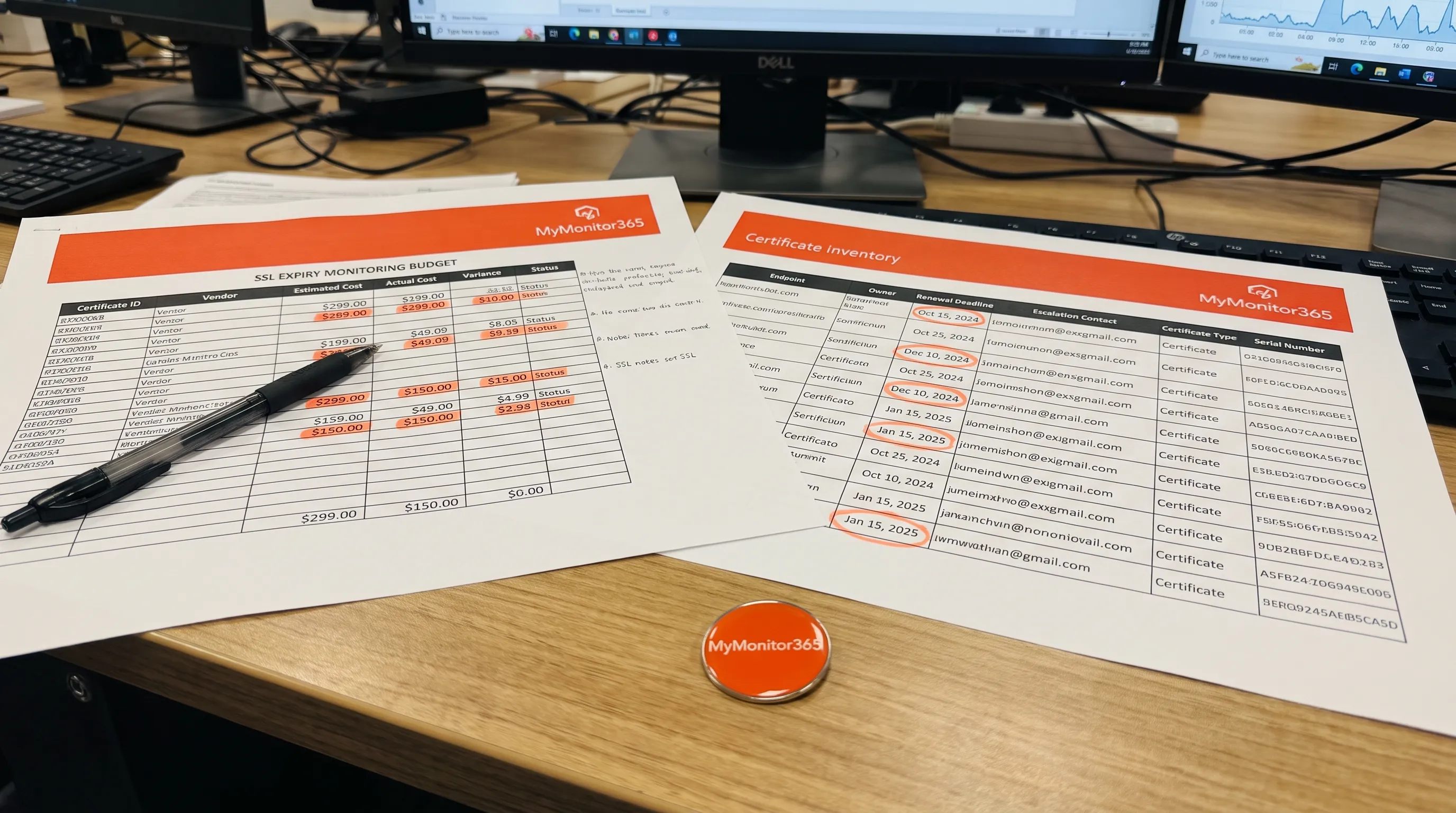
Request a quote against your endpoint inventory, then confirm the operational requirements in a trial. A feature name alone does not establish what is checked or how it is billed.
- Billing units: Confirm how hostnames, ports, locations and additional checks affect monitor usage.
- Network reach: Verify how public and private services can be checked, including any required agents or network access.
- Certificate validation: Establish whether checks cover expiration alone or also hostname matching and certificate-chain trust.
- Alert delivery: Test the integrations, routing and escalation behavior your team actually needs.
- Administration: Check user access, audit records, maintenance handling and any reporting or retention requirements.
Use the same acceptance criteria for scripts, free plans and paid services. Otherwise, the cheapest option may simply be doing less work.
A meaningful ssl expiry monitoring comparison should also distinguish uptime from certificate validity. A server can answer on its TCP port while presenting an unusable certificate, and a valid certificate does not prove the application is healthy.
Establish a baseline before committing your budget
A short measurement period is more useful than a large theoretical savings estimate. Start with representative services: a public website, an API, a regional endpoint and an internal service if those exist in your environment.
Record setup time, recurring administration, actionable alerts and unnecessary alerts. Validate the observed certificate against a manual check; the guide to checking SSL certificate status explains browser and command-line approaches.
Test notification delivery through a supported test function or a controlled nonproduction scenario. Do not intentionally expire a production certificate.
Then update your annual model using measured hours. Expand coverage only after confirming that checks reach the intended endpoints and incidents reach the intended owners. This gives IT leadership a budget tied to operating evidence rather than a headline price.
Frequently asked questions
Can we monitor certificates for free? Yes. Free plans and self-managed scripts can check certificate expiration, but availability, limits and capabilities vary. Include hosting, maintenance, alert handling and coverage gaps when comparing them with paid options.
Does ssl expiry monitoring renew certificates automatically? Not necessarily. Monitoring, issuance, renewal and deployment are separate functions. Verify what a product actually provides, and confirm that the replacement certificate is served after deployment.
How long are SSL certificates valid in 2026? For publicly trusted TLS server certificates issued from March 15, 2026, the maximum is 200 days under the CA/Browser Forum schedule. Some certificates have shorter lifetimes. Earlier-issued certificates and private PKI require separate consideration.
Can we extend a certificate's expiration date? No. The validity dates are part of the signed certificate. You must obtain and deploy a replacement rather than edit the existing certificate's expiration date.
Why is the maximum moving toward 47 days? Shorter validity limits how long an issued certificate remains usable without replacement and encourages more frequent automation. It does not remove the need to validate renewals or monitor deployment failures.
Evaluate MyMonitor365 against your operating requirements
MyMonitor365 provides SSL security monitoring alongside HTTP/API checks, multi-location monitoring, maintenance windows and alert integrations. A free plan is available with no credit card required.
Use it to evaluate coverage and workflow against your own inventory. Confirm current plan limits and pricing, test your alert path and measure the administration involved. The right purchase is the one that meets your requirements at a defensible total cost, not simply the lowest advertised fee.
#SSL #TLS #ITOps #UptimeMonitoring #CertificateManagement