
DNS TCP Failures and How to Isolate Them
Diagnose DNS TCP failures with dig, packet captures and path-by-path checks. Isolate port 53 blocks, fallback issues and resolver limits.
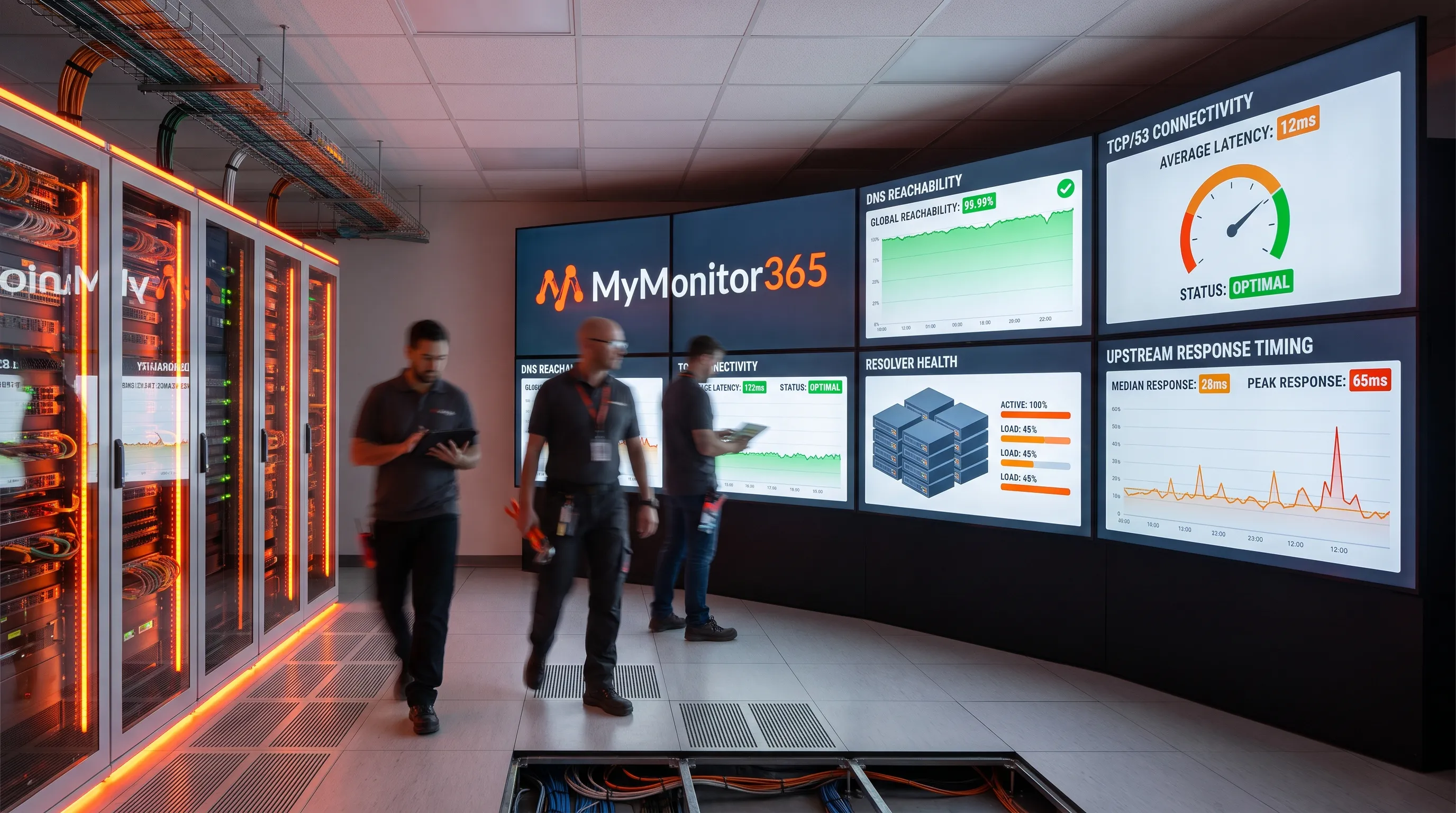
DNS TCP failures can leave small lookups working while larger responses time out. That makes an incident look intermittent: one hostname resolves, another stalls and a routine UDP check stays green. The problem may sit between the client and its recursive resolver, between that resolver and an authoritative server or inside the DNS service itself.
The fastest way to isolate the fault is to hold the query constant, test UDP and TCP separately, then follow the failed connection across each boundary. This runbook focuses on conventional DNS over port 53, not DNS over TLS or DNS over HTTPS.
Why working UDP does not prove DNS is healthy
Conventional DNS uses both UDP and TCP on port 53. TCP is not reserved for zone transfers. RFC 7766 requires general-purpose DNS implementations to support both transports.
A server can return a UDP response with the truncation flag, TC=1, indicating that the client needs another way to retrieve the complete answer. Retrying over TCP is the conventional fallback. DNS clients can also select TCP without first sending a UDP query.
EDNS allows clients to advertise larger UDP payload sizes, but it does not eliminate TCP. Larger UDP packets can encounter fragmentation or path-MTU problems, while DNSSEC records can increase response sizes. A firewall that permits UDP/53 but drops TCP/53 therefore creates a partially working service.
The critical distinction is between transport reachability and a valid DNS answer. An open TCP port proves neither that the server will process a query nor that it will return the expected records.
Isolate DNS TCP failures with matched queries
Start from the affected host or network segment. Testing only from an administrator's laptop can miss VPN rules, container networking, IPv6 routing or source-based access controls.
The commands below use documentation addresses and example names. Replace them with your resolver address and a hostname you are authorized to test. They require dig, commonly supplied by BIND utilities or your operating system's DNS tools package.
dig @192.0.2.53 example.com A +notcp +ignore +time=2 +tries=1
dig @192.0.2.53 example.com A +tcp +time=2 +tries=1
The first command requests UDP and uses +ignore to prevent automatic TCP fallback after truncation. The second explicitly requests TCP. Keep the server, query name, record type and other options identical when comparing results.
Record the response status, flags, answer section, elapsed time and any connection error. A timeout is different from REFUSED, and both differ from SERVFAIL.
| Test result | What it establishes | Next investigation |
|---|---|---|
| UDP answers, TCP times out | The two transports behave differently | TCP/53 filtering, routing, listener or connection limits |
| TCP connection is refused | A reset or rejection reached the client | Listener state, firewall rejection or intermediary policy |
TCP returns REFUSED |
A DNS-speaking endpoint answered over TCP | Recursion permissions, views or query policy |
TCP returns SERVFAIL |
DNS communication succeeded on this leg | Resolver processing, validation or upstream failures |
| Both return the expected answer | This endpoint works for this test | Cache effects, other destinations, address families or load |
Do not treat NXDOMAIN as a transport failure. It is a DNS response whose correctness depends on whether the queried name should exist.
Test truncation and fallback separately
A successful forced-TCP query does not prove that an application handles UDP truncation correctly. For DNS TCP failures associated with large answers, exercise both the truncated response and the subsequent retry.
Use a zone you control with a DNSKEY response large enough to exceed the advertised UDP size:
dig @192.0.2.53 example.com DNSKEY +dnssec +bufsize=512 +notcp +ignore
dig @192.0.2.53 example.com DNSKEY +dnssec +bufsize=512
The first command lets you inspect the UDP response without fallback. Look for tc in the flags. The second allows dig to retry over TCP when it receives a truncated response.
This test only exercises fallback if the response is actually truncated. A small or unsigned zone may not produce that condition. The 512-byte setting deliberately constrains the test; it is not a recommendation for your production EDNS configuration.
Capture the actual application's traffic when its behavior differs from dig. Applications may use different resolver libraries, retry policies or encrypted DNS services. If the UDP response disappears entirely, rather than arriving with TC=1, automatic TCP retry is not guaranteed.
Separate the client path from the resolver's upstream path
A recursive lookup involves at least two network legs:
- Client to recursive resolver: The workstation, application host or local forwarding service contacts its configured resolver.
- Recursive resolver to upstream DNS: The resolver contacts a forwarder or authoritative nameservers to obtain an answer.
A common DNS TCP troubleshooting mistake is assuming that dig +tcp @resolver tests both legs. It only forces TCP between dig and that resolver. The resolver independently chooses how to contact upstream servers, and it may answer entirely from cache.
To investigate the upstream leg, use resolver query logs and packet captures. Generate a controlled cache miss in a test zone you own, rather than flushing shared production caches indiscriminately.
Where permitted, test an authoritative server directly from the resolver's network context:
dig @192.0.2.54 example.com SOA +norecurse +tcp +time=2 +tries=1
Here, replace 192.0.2.54 with an authoritative server for the test zone. An SOA query tests an ordinary DNS response without requesting a zone transfer. AXFR is a poor general health check because a healthy authoritative service may correctly deny it.
Account for containers, network namespaces and source NAT. A command run on the resolver host may still take a different path from the resolver process. Preserve that distinction when assigning the incident to the DNS or network team.
Use packet evidence to identify the failing boundary
For a persistent DNS TCP timeout, capture traffic while repeating one controlled query. On a Linux host with appropriate permissions:
sudo tcpdump -ni any -s0 -w dns-incident.pcap 'host 192.0.2.53'
Keep the capture brief and follow your organization's handling rules. DNS captures can contain internal names and other sensitive information.
Where possible, capture at both the client and server. Matching timestamps and connection endpoints help distinguish an outbound drop from a missing return path. A capture on only one side usually narrows the fault domain without proving which device caused it.
The packet-level troubleshooting guide provides additional context for reading transport behavior alongside DNS responses.
Read the connection in sequence
Inspect the TCP handshake, query delivery and response separately. DNS messages carried over TCP use a two-byte length prefix, and packet boundaries do not necessarily match DNS message boundaries. Let the analyzer reassemble the stream before concluding that a query is incomplete.
| Packet evidence | Likely failure boundary | Useful next check |
|---|---|---|
| Repeated SYN packets with no SYN-ACK | Filtering, routing, return path or an unresponsive endpoint | Compare captures and firewall counters |
| Immediate RST after SYN | Closed listener or active rejection | Check server sockets and rejecting devices |
| Handshake succeeds, but no query leaves the client | Client-side behavior | Inspect the application or resolver library |
| Query bytes arrive, but no DNS response follows | Server processing, upstream dependency or intermediary behavior | Correlate resolver logs and resource metrics |
| Response leaves the server but never reaches the client | Return-path loss or filtering | Inspect intermediate boundaries and state tables |
| TCP resets after data transfer begins | Endpoint or intermediary termination | Correlate the reset with logs and captures |
A TCP acknowledgment confirms receipt by the remote TCP stack, not completion by the DNS application. Likewise, a reset's source address alone may not identify the device responsible if an intermediary generated it.
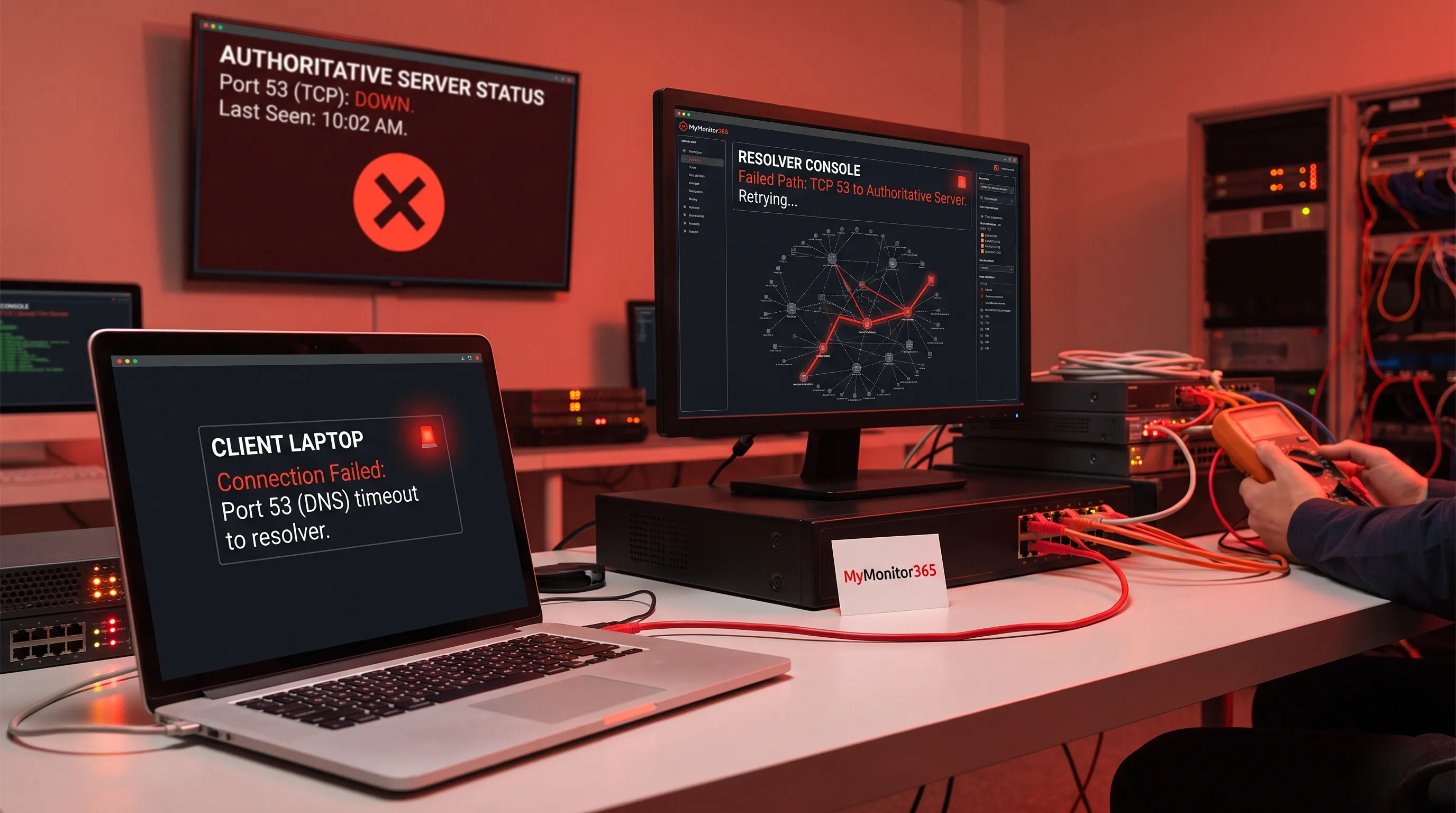
Fix the fault at the boundary you proved
Filtering, routing and address-family differences
Review TCP/53 rules in both directions, including host firewalls, network ACLs, security groups, VPN policies and container network controls. For stateful devices, verify connection establishment and return traffic. Stateless ACLs also need the relevant client ephemeral-port traffic.
Apply policy according to the server's role. An authoritative DNS service and an internal recursive resolver have different exposure requirements. Do not fix an outage by opening unrestricted public recursion.
When DNS TCP failures affect only one location, compare the actual source address, destination address and route before changing the server. Repeat tests separately over IPv4 and IPv6 where both are deployed. A successful IPv4 query does not validate the IPv6 path.
Also check whether a load-balanced resolver address sends UDP and TCP to different backends. One address can conceal multiple listeners, policies and failure states.
Missing listeners and connection exhaustion
Confirm that the DNS process listens on TCP/53, not just UDP/53. On Linux, a command such as sudo ss -lntup '( sport = :53 )' can help identify listeners and their owning processes.
If TCP works at low load but fails during bursts, inspect resolver connection limits, file descriptors, accept queues and application logs. NAT or connection-tracking capacity may also constrain the path.
Use metrics and captures to establish the bottleneck before raising limits. More connections can increase memory consumption without fixing slow upstream queries or a blocked worker pool. RFC 9210 discusses operational requirements for DNS over TCP, including connection handling.
Established connections that still do not resolve names
When a server returns a well-formed DNS error, move beyond port troubleshooting. Check recursion permissions, forwarding configuration, DNSSEC validation and authoritative reachability according to the returned status and resolver logs.
An upstream TCP problem can still cause a recursive resolver to return SERVFAIL to its client. The important distinction is that the client-facing transport worked, while resolution failed elsewhere.
For queries that connect but stall, compare server-side query receipt with upstream activity. Verify any DNS proxy, inspection device or load balancer between the endpoints. Its TCP timeout or message handling may differ from the DNS server's behavior.
Monitor transport reachability and DNS answers separately
A useful monitoring design catches DNS TCP failures without treating every open socket as a healthy resolver. Keep distinct signals for TCP/53 reachability, successful DNS exchanges and expected record values.
Record which resolver, address family, source location and query type each test covers. For critical services, include a protocol-aware check that explicitly uses TCP and a separate check that exercises truncation and fallback against a controlled response.
Choose query deadlines from measured behavior and service requirements. The short timeouts used during diagnosis are not universal production alert thresholds. Track latency and intermittent failures alongside complete outages, then retain enough context to reproduce the failed path.
MyMonitor365 provides TCP port monitoring, DNS change monitoring, multi-location monitoring, maintenance windows and alert integrations. These capabilities support layered visibility, but they establish different facts. A TCP port check tests connection reachability; it does not prove that a DNS answer is correct. A record-change check should not be assumed to exercise TCP fallback.
Use separate protocol-aware tests where needed and compare their results with your infrastructure monitoring. The DNS monitoring troubleshooting guide explains how location and baseline context help narrow incidents.
For an escalation, preserve the timestamp, source network, resolver address, query name and type, transport, DNS status and packet evidence. That gives the receiving team a reproducible failure rather than a generic report that DNS is down.
Frequently asked questions
Does DNS use TCP or UDP? Conventional DNS uses both, normally on port 53. UDP is common for initial queries, while TCP supports complete responses after truncation and can also be selected directly. Encrypted DNS uses different transports and ports.
Why do DNS TCP failures affect only some lookups? Small responses may succeed over UDP while larger responses require TCP. Cached answers, different authoritative servers, split DNS policies and IPv4 versus IPv6 paths can also make symptoms selective.
Does a successful TCP connection prove the resolver is healthy? No. It proves that a connection was established to the endpoint. You still need a valid DNS exchange, the expected response and evidence that uncached upstream resolution works when required.
Establish a baseline before the next incident
Start with one critical resolver and one controlled query. Document the expected UDP, TCP and fallback behavior from each important network location. Use MyMonitor365 to monitor supported infrastructure signals alongside those protocol-aware tests, so the next alert comes with a clearer starting point.
#DNS #TCP #NetworkTroubleshooting #DNSMonitoring #ITOps #MSP