
SSL Certificate How to Check and What to Look For
SSL certificate how to check: inspect expiry, issuer, SANs, chain, TLS setup, and use monitoring to catch issues before users do.
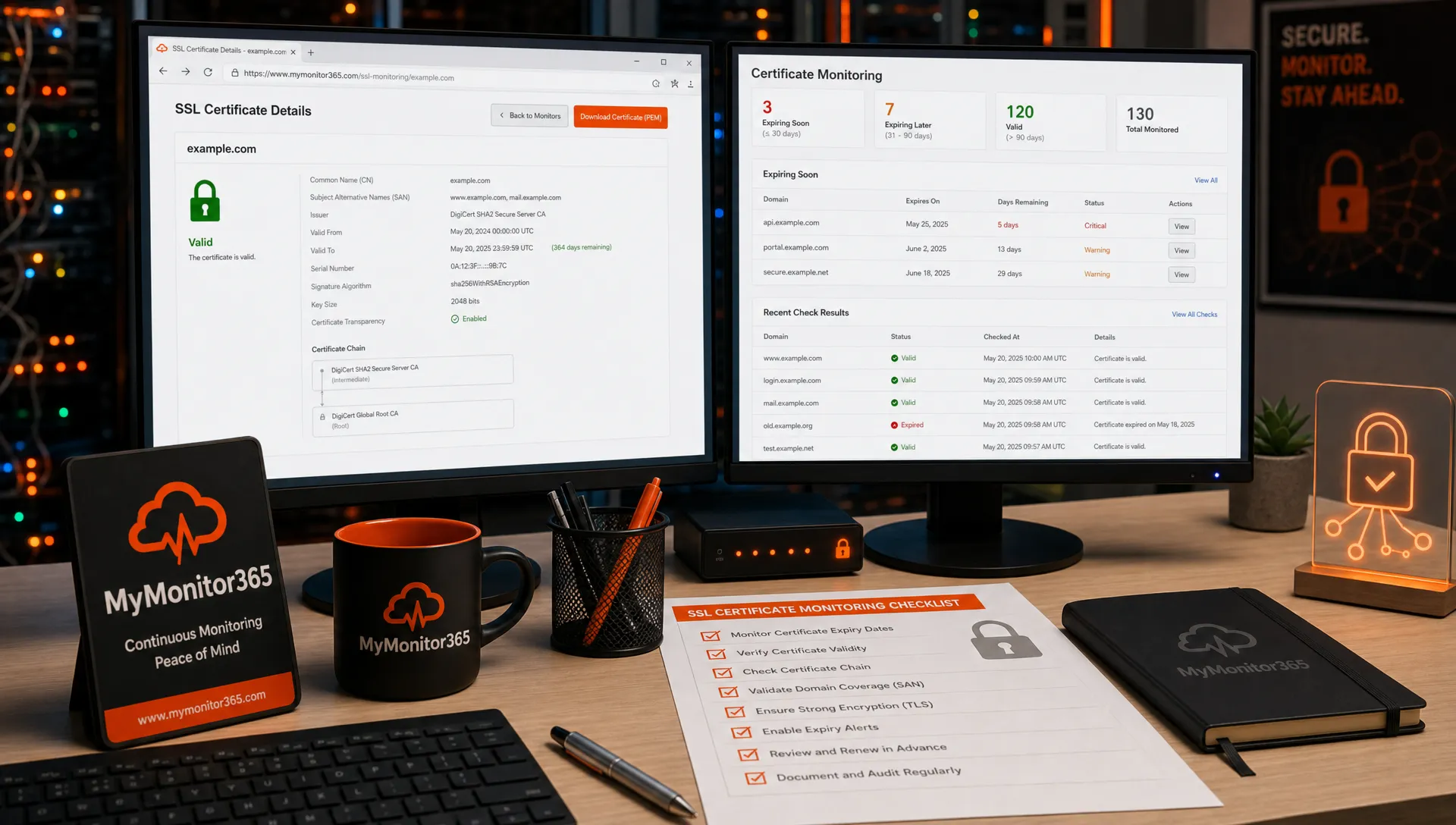
If your website, API, or customer portal depends on HTTPS, your SSL certificate is not a background detail. It is a trust signal, a security control, and often a hard dependency for applications. One expired certificate can trigger browser warnings, failed API calls, checkout errors, and support tickets long before anyone on the IT team notices.
Technically, most modern HTTPS uses TLS, not the old SSL protocol, but SSL certificate is still the phrase most teams use for the public certificate that proves identity and enables encrypted sessions. The practical question is simple: how do you check an SSL certificate, and what details actually matter?
This guide walks through quick manual checks, command-line inspection, the certificate fields to review, common failure patterns, and how to turn one-time checks into continuous SSL monitoring.
Why SSL certificate checks matter
An SSL certificate problem is not always a total outage. That is what makes it dangerous. Your homepage may work from your office, while users in another region see an intermediate certificate error. A browser may accept the certificate, while a Java client rejects the chain. A certificate may be valid today, but scheduled to expire during a weekend change freeze.
SSL checks help you verify three things at once: identity, trust, and readiness. Identity means the certificate matches the exact hostname users visit. Trust means the issuing certificate authority and chain are accepted by clients. Readiness means the HTTPS endpoint is reachable, configured correctly, and not days away from expiry.
Public certificate rules are also stricter than they were years ago. The CA/Browser Forum maintains the Baseline Requirements for public TLS certificates, and certificate lifetimes have shortened over time. For IT teams and MSPs, that means certificate renewal cannot be treated as an annual calendar reminder. It needs operational monitoring.
Quick SSL certificate check: the 5-minute workflow
When you need a fast answer, start with the exact hostname and environment you care about. Certificate issues are often hostname-specific, especially when CDNs, load balancers, SNI, staging domains, and regional endpoints are involved.
Use this quick workflow:
- Confirm the exact URL, including subdomain, such as app.example.com rather than example.com.
- Open the site in a browser and inspect the certificate details from the lock icon.
- Check the subject alternative names, expiration date, issuer, and certificate chain.
- Test from outside your network, since internal DNS, proxies, and cached sessions can hide problems.
- Verify the service itself, not only the certificate, by loading an HTTPS page or making an API request.
A valid certificate does not automatically mean the service is healthy. HTTPS also depends on DNS resolution, open ports, server response, and application behavior. That is why SSL checks are strongest when combined with HTTP/API monitoring and network checks across your stack.
How to check an SSL certificate manually
Check it in a browser
For a public website, the browser is the simplest starting point. In Chrome, Edge, Firefox, or Safari, open the HTTPS URL, select the lock or site information icon, and view certificate details. The exact menu varies by browser, but you are looking for certificate validity, the issuing authority, the hostname coverage, and the chain.
Browser checks are useful because they reflect a real user experience. If the browser displays Not secure, Your connection is not private, or a similar warning, users are likely seeing the same problem.
The limitation is scope. A browser test checks one location, one client, one hostname, and one moment in time. It may not reveal whether a Java runtime, mobile app, legacy device, or overseas user will accept the same certificate.
Check it with OpenSSL
For administrators, OpenSSL is one of the most reliable ways to inspect the certificate served by a host. The key is to include the server name, because many HTTPS servers use Server Name Indication, or SNI, to choose the correct certificate.
openssl s_client -connect example.com:443 -servername example.com -showcerts
To extract the most important fields in a cleaner format, use:
echo | openssl s_client -connect example.com:443 -servername example.com 2>/dev/null | openssl x509 -noout -subject -issuer -dates -ext subjectAltName
This shows the subject, issuer, validity dates, and subject alternative names. If the command returns a different certificate than expected, check whether you used the right hostname, whether DNS points to the correct endpoint, and whether the load balancer or CDN is serving the right certificate for SNI.
The OpenSSL s_client documentation is useful when you need deeper troubleshooting, such as verifying chains, testing protocol versions, or debugging handshake failures.
Use an external scanner when appropriate
External SSL scanners provide a broader view of certificate trust and TLS configuration. Tools such as SSL Labs Server Test can report chain issues, protocol support, cipher configuration, and browser compatibility.
Use public scanners carefully. They are appropriate for public hostnames, but not for private internal services, sensitive endpoints, or systems you are not authorized to test. For internal infrastructure, use internal tooling or a monitoring platform designed for your environment.
What to look for in an SSL certificate
Once you can view the certificate, the next step is knowing which fields matter. The table below covers the practical checks most teams should make before deployment and during routine monitoring.
| What to inspect | Why it matters | Healthy sign |
|---|---|---|
| Hostname and SANs | Browsers validate the hostname against the Subject Alternative Name list | Every user-facing hostname is listed, including important subdomains |
| Expiration date | Expired certificates can break browsers, APIs, mobile apps, and integrations | Enough renewal runway remains, ideally with alerts well before expiry |
| Issuer | The certificate must be issued by a trusted certificate authority | The issuer is expected and publicly trusted for internet-facing services |
| Certificate chain | Clients need the leaf, intermediate, and root trust path to validate the certificate | The server presents the correct intermediate certificates |
| Signature algorithm and key | Weak algorithms can create trust or compliance issues | Modern algorithms and key sizes are used according to your security policy |
| TLS versions and ciphers | The certificate can be valid while the TLS handshake is weak or incompatible | Deprecated protocols are disabled and required clients can connect |
| Revocation status | Revoked certificates should not be trusted | OCSP or CRL checks do not show the certificate as revoked |
| DNS alignment | DNS changes can send users to an endpoint with the wrong certificate | Public DNS resolves to the intended server, CDN, or load balancer |
The Subject Alternative Name field deserves special attention. Modern browsers rely on SANs for hostname validation. A certificate issued for www.example.com will not protect api.example.com unless that hostname is included, or unless an appropriate wildcard certificate is used.
The certificate chain is another common source of confusion. You may have a valid leaf certificate from a trusted CA, but if the server does not present the correct intermediate certificate, some clients will fail validation. This is especially common after migrations, load balancer changes, and certificate bundle updates.
Common SSL certificate problems and what they mean
An SSL error message is a symptom. The real cause is often one layer deeper.
Expired certificate errors are the easiest to understand. The certificate is past its valid date range, so clients refuse to trust it. The fix is renewal and deployment, but the prevention is monitoring. Alerting only after expiry is too late.
Hostname mismatch errors occur when the certificate does not cover the requested domain. This often happens after adding a new subdomain, moving a service behind a CDN, or pointing DNS to the wrong environment. If app.example.com serves a certificate for www.example.com, users will see a warning even if both certificates are otherwise valid.
Incomplete chain errors mean the server is not presenting the intermediates required for clients to build trust. Some browsers may recover by fetching missing intermediates, while stricter clients may fail. That difference can make the issue appear random.
Wrong certificate errors can appear when a load balancer, reverse proxy, or web server is missing the correct SNI configuration. The server is reachable on port 443, but it serves the default certificate instead of the hostname-specific one. If you need a refresher on how service reachability differs from application correctness, MyMonitor365's guide to TCP ports and smarter service monitoring explains why a port can be open while the service is still misconfigured.
TLS configuration errors are slightly different from certificate errors. Your certificate may be valid, but clients can fail if the server only supports deprecated protocols, incompatible cipher suites, or strict security settings the client cannot meet. Mozilla's SSL Configuration Generator is a helpful reference for modern server-side TLS configuration.
Why manual SSL checks are not enough
Manual checks are useful during setup, renewal, and incident response. They are not enough for operations.
Certificates expire at inconvenient times. DNS records change. CDNs rotate configurations. A regional edge node can serve an old certificate while your primary location works perfectly. A maintenance task can accidentally remove an intermediate certificate. If nobody checks continuously, the first alert may come from a customer, a browser warning, or a failed payment integration.
That is why SSL monitoring should be part of a broader availability strategy. A good monitoring approach watches the certificate itself, the HTTPS response, DNS behavior, and network reachability. It also tests from more than one location so you can catch regional or routing-specific issues.
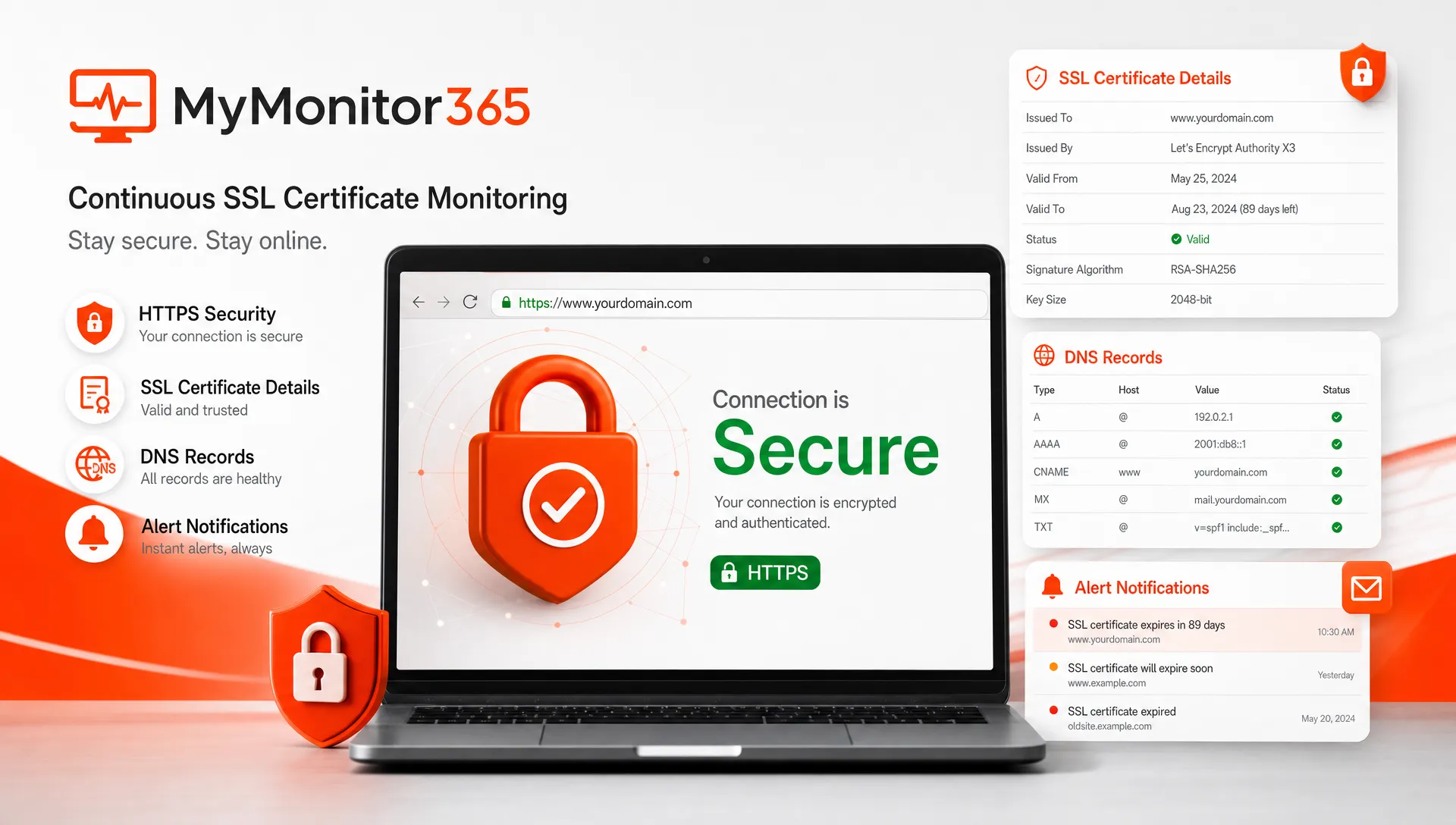
MyMonitor365 is built for this kind of proactive coverage, with SSL security checks alongside HTTP/API monitoring, DNS change monitoring, ping and ICMP checks, TCP port monitoring, multi-location monitoring, maintenance windows, alert integrations, audit logs, and two-factor authentication. For teams building a broader strategy, the MyMonitor365 guide on monitoring your full infrastructure stack shows how SSL fits with the other layers that keep services reliable.
A practical SSL monitoring policy
A useful policy does not need to be complicated. It should answer what you monitor, how often you check it, who gets alerted, and what happens when a certificate is near expiry or fails validation.
| Monitoring item | Recommended approach | Why it helps |
|---|---|---|
| Expiration date | Alert well before expiry, such as 30, 14, 7, and 3 days | Gives teams time to renew, approve, deploy, and verify |
| Hostname coverage | Check each public hostname and critical subdomain | Prevents surprises when new domains or APIs are added |
| Certificate chain | Validate that intermediates are served correctly | Protects clients that cannot repair incomplete chains |
| HTTPS response | Monitor the actual URL or API endpoint | Confirms the service works after the TLS handshake |
| DNS records | Watch for unexpected changes | Detects routing mistakes that can expose the wrong certificate |
| Multiple locations | Test from different regions when possible | Finds edge, CDN, routing, and regional trust problems |
For MSPs, the same policy should be repeatable across client environments. Certificate inventory matters because missed domains are a major source of downtime. Grouping SSL checks by client, service, or priority can help teams route alerts and avoid confusion during incidents.
A strong renewal workflow also includes a post-deployment verification step. After installing or rotating a certificate, check the public endpoint, verify the chain, confirm the SAN list, and monitor for HTTPS errors. If the service uses a CDN or multiple load balancers, test enough locations to catch inconsistent deployment.
SSL certificate checklist before launch or renewal
Before a new HTTPS service goes live, or before a renewed certificate is considered complete, review the following items:
- The certificate includes the exact production hostname and required subdomains.
- The certificate is issued by the expected CA and uses an approved validation type for your organization.
- The full chain is installed on every server, load balancer, proxy, and CDN endpoint that terminates TLS.
- DNS points to the intended environment, not an old server, staging endpoint, or wrong CDN property.
- The HTTPS endpoint returns the expected status code and content.
- Monitoring is active before the certificate is close to expiry.
- The renewal process is documented, including owner, approval path, and rollback plan.
The last item is easy to overlook. When SSL ownership is unclear, renewal incidents become more likely. Every certificate should have an owner, a renewal path, and a monitoring check that does not depend on one person remembering a date.
FAQ
How do I check if an SSL certificate is valid? Open the HTTPS site in a browser and inspect the certificate details, or use OpenSSL to review the issuer, expiration dates, SANs, and chain. A valid certificate should match the hostname, be within its validity period, chain to a trusted CA, and be accepted by intended clients.
What is the most important SSL certificate field to check? The hostname coverage in the Subject Alternative Name field is one of the most important checks because browsers use it to confirm that the certificate belongs to the domain being visited. Expiration date and chain validity are equally important for uptime.
Can a website have a valid SSL certificate and still be down? Yes. A valid certificate only proves identity and enables encrypted connections. The website can still fail because of DNS issues, closed ports, server errors, application failures, or incorrect HTTP responses.
How often should SSL certificates be checked? Critical public services should be monitored continuously, not manually checked once in a while. At minimum, teams should alert well before expiry and validate certificates after DNS, CDN, load balancer, or web server changes.
What is the difference between SSL and TLS? SSL is the older protocol name, while TLS is the modern protocol used for secure HTTPS connections. People still commonly say SSL certificate, but the certificate is normally used in a TLS handshake.
Keep SSL issues from becoming outages
Checking an SSL certificate once is helpful. Monitoring it continuously is what protects users, APIs, and client services from preventable downtime.
With MyMonitor365, IT teams and MSPs can monitor SSL security alongside HTTP(S), DNS, ping, ICMP, and TCP checks, receive instant alerts, use maintenance windows, and validate services from multiple locations. Start with the free plan, no credit card required, and make certificate problems something your team catches before your users do.
Hashtags
#SSLCertificate #SSLMonitoring #UptimeMonitoring #NetworkMonitoring #ITOperations #MSPTools #WebsiteMonitoring