
TCP SSL Checks That Expose Application Failures
Use tcp ssl checks to distinguish open ports from TLS failures and broken applications, with practical commands and alerting guidance for IT teams.

A tcp ssl check should tell you more than whether port 443 accepts connections. A load balancer can complete a TCP connection while its certificate is invalid, its upstream application is unavailable or its health endpoint returns a misleading success response. Treating all three conditions as “up” leaves an expensive monitoring blind spot.
The practical approach is to test each boundary separately: network reachability, TLS negotiation and application behavior. Each result answers a different question and points responders toward a different investigation.
This guide explains how those layers fit together, provides commands for checking them independently and shows how to turn their results into useful incident signals. The aim is not to collect more green indicators. It is to identify the deepest working layer and the first failing one.
What tcp ssl checks can and cannot prove
TCP provides a reliable, ordered byte stream between endpoints. TLS adds encryption, integrity protection and peer authentication when correctly configured and validated. An application protocol, such as HTTP, then uses that protected connection.
“SSL” remains common in monitoring terminology, but modern services should use TLS. SSL 3.0 was formally deprecated by RFC 7568; SSL 2.0 is obsolete too.
| Check | What success establishes | What success does not establish |
|---|---|---|
| TCP connection | A listener accepted a connection from the probe | Valid certificates, a working backend or a usable response |
| TLS handshake with certificate validation | The tested client negotiated TLS and accepted the server identity | Correct application behavior or healthy dependencies |
| HTTP response validation | The endpoint returned the expected status and content | Every user journey or downstream dependency works |
| Representative application transaction | The tested workflow completed | Untested workflows or every user's network path works |
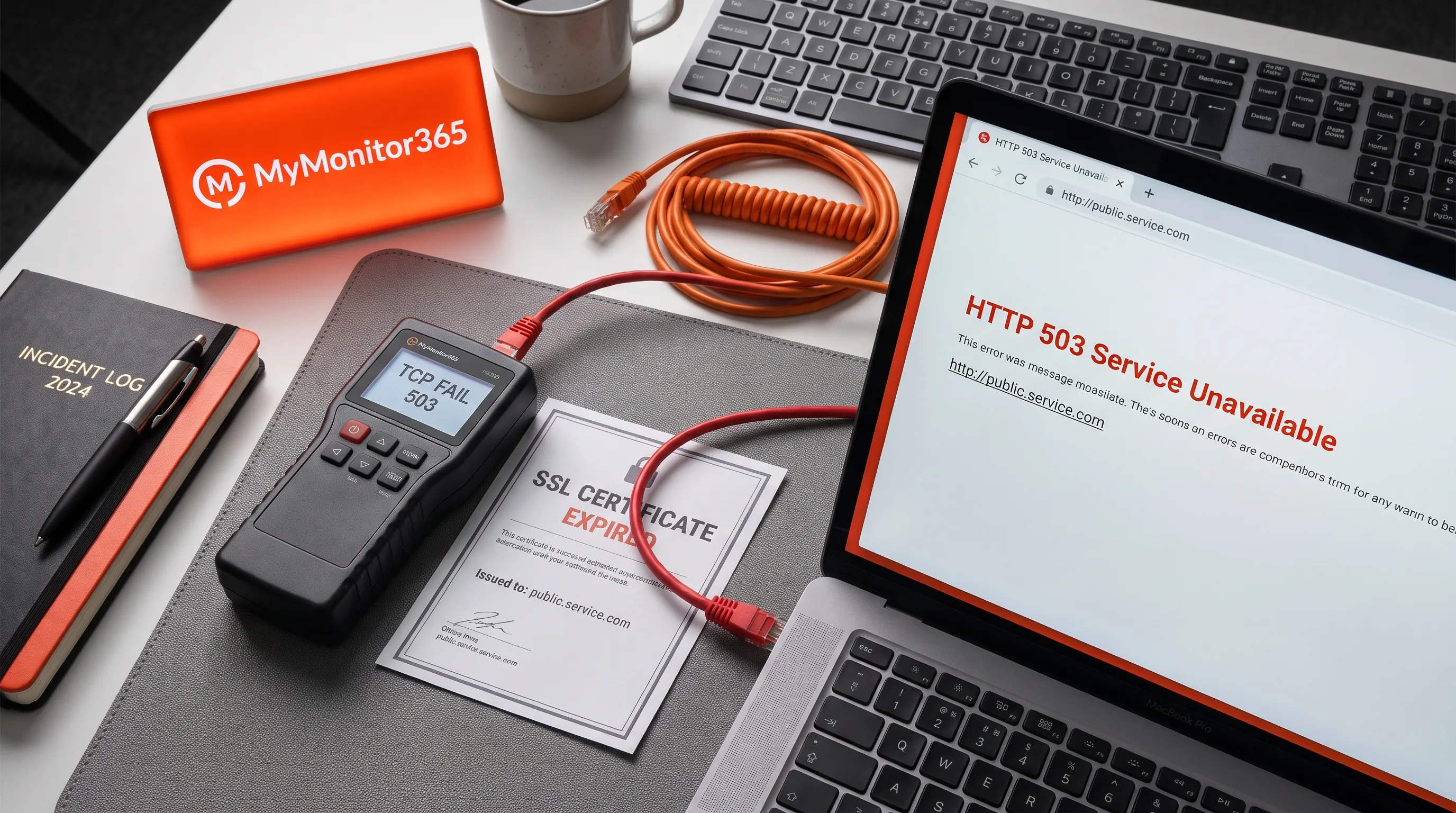
These distinctions matter when a reverse proxy terminates connections for an unhealthy application. The proxy may pass both transport and TLS checks while returning HTTP 503.
For a closer look at listener-level visibility, the guide to TCP ports and service monitoring explains why an open port is only an initial signal.
Follow the connection from TCP to application data
For a typical HTTPS connection over TCP, the client first resolves the hostname. It then performs the TCP three-way handshake: SYN, SYN-ACK and ACK. Successful completion establishes the transport connection, not application health.
TLS negotiation follows. In a normal certificate-authenticated TLS connection, the client sends a ClientHello describing supported capabilities. It usually includes Server Name Indication (SNI), which helps a shared listener select the intended site's configuration.
The server responds with its selected parameters and authentication material. The client checks the certificate chain, validity period and requested hostname against its trust configuration. A complete handshake also establishes the keys used to protect application data. The exact message sequence differs between TLS versions and resumed connections.
A useful tcp ssl probe must distinguish successful negotiation from successful certificate validation. Some diagnostic tools can continue despite certificate errors unless explicitly configured to stop.
Only after the secure connection is established does the client exchange application requests and responses. Encryption protects that traffic; it does not guarantee that a request will succeed. A perfectly valid TLS session can carry an error page, an authentication failure or an incorrect API response.
Run three checks against the same endpoint
Use the same hostname, port and network vantage point for the initial comparison. Otherwise, you may accidentally compare different services or routes.
The following commands use a documentation hostname. Replace it with your endpoint. The timeout values are examples, not universal production thresholds.
Check whether the TCP listener accepts connections
On systems with a compatible Netcat implementation, run:
nc -vz -w 5 app.example.com 443
A successful result establishes that this probe can connect to the listener. A refusal commonly indicates no accepting listener or an explicit rejection. A timeout can reflect filtering, routing trouble, packet loss or a listener that is not responding promptly.
At this stage, tcp ssl troubleshooting has not tested encryption or certificates. Do not close the incident because Netcat reports success.
Record the destination IP as well as the hostname. DNS rotation and load balancing can send consecutive tests to different targets, making an intermittent failure look contradictory.
Require TLS negotiation and certificate validation
Use OpenSSL with explicit hostname validation and failure on verification errors:
openssl s_client \
  -connect app.example.com:443 \
  -servername app.example.com \
  -verify_hostname app.example.com \
  -verify_return_error \
  -brief </dev/null
The -servername option supplies SNI. The -verify_hostname option checks the certificate against the requested name. These are separate functions: selecting the right virtual host is not the same as validating its identity.
OpenSSL uses its configured trust sources. For a private certificate authority, supply the appropriate CA file with -CAfile rather than disabling verification. When automating the test, enforce an overall execution timeout through the monitoring runner or an operating-system timeout utility.
Inspect verification errors and the command's exit status. A displayed certificate or negotiated cipher alone is not sufficient evidence of a trusted connection. Also remember that this basic command does not perform a complete certificate revocation assessment.
Request an application response through HTTPS
Next, exercise an endpoint with a defined expected result:
curl --connect-timeout 5 --max-time 15 \
  --fail-with-body --show-error --silent \
  --output /dev/null \
  --write-out 'http=%{http_code} remote=%{remote_ip} connect=%{time_connect} tls=%{time_appconnect} first_byte=%{time_starttransfer} total=%{time_total}\n' \
  https://app.example.com/health/ready
Curl validates the server certificate by default. Do not add -k to a production trust check, because it disables certificate verification.
For tcp ssl monitoring, this request connects transport and trust results to an application outcome. However, --fail-with-body treats HTTP responses of 400 or higher as failures; it does not enforce an exact expected status or validate a response body. Add those assertions in your monitoring configuration or test script.
The timing fields are cumulative from the start of the request. time_appconnect is not a standalone TLS duration. For a straightforward fresh HTTPS connection, subtract time_connect from time_appconnect to approximate the TLS phase.
A readiness endpoint should reflect the dependencies needed to serve its intended workload. A static “OK” page can remain available while the application behind it is broken. The guide to monitoring broken HTTP service paths explores that distinction further.
Interpret combinations, not isolated failures
The most useful result is the relationship between checks taken close together against the same target.
| TCP result | TLS result | Application result | Investigation starting point |
|---|---|---|---|
| Fails | Not reached | Not reached | Routing, firewall policy, listener availability or connection saturation |
| Passes | Fails | Not reached | SNI, trust chain, hostname, TLS policy or client-certificate requirements |
| Passes | Passes | HTTP 502 or 503 | Proxy-to-backend path, upstream availability or application readiness |
| Passes | Passes | HTTP 200 with wrong content | Wrong virtual host, cached response, login page or weak health assertions |
| Passes | Passes | Slow response | Application processing, backend dependencies or the data-transfer path |
These are starting points, not final diagnoses. For example, packet loss can affect both connection setup and later application traffic.
A tcp ssl failure report should preserve the stage, error text, destination IP, location and timestamp. “HTTPS down” forces the responder to repeat the entire investigation. “TCP accepted, certificate hostname mismatch from the external probe” provides an actionable starting point.
Test the hostname and the path users actually take
Preserve identity when testing individual backends
Connecting to an IP address directly can change SNI, hostname validation and HTTP routing. That may produce a failure that normal clients never encounter, or hide a problem affecting the public hostname.
To test a particular address while retaining the hostname, Curl supports an explicit mapping:
curl --resolve app.example.com:443:192.0.2.10 \
  --connect-timeout 5 --max-time 15 \
  --fail-with-body --show-error \
  https://app.example.com/health/ready
The address shown is reserved for documentation. Replace it with the target address. This approach preserves the URL hostname for TLS identity checks and HTTP routing while selecting a specific destination.
It deliberately bypasses ordinary DNS resolution for that host and port, so pair it with a normal hostname-based check. Otherwise, a healthy backend could mask broken DNS.
Compare locations and trust boundaries
An internal probe may bypass a CDN, public firewall or external TLS terminator. An external probe may reach a healthy edge while a private upstream connection fails.
For meaningful tcp ssl coverage, test the public path users depend on and add internal checks where they help isolate ownership boundaries. Compare IPv4 and IPv6 when both are published; either path can fail independently.
Certificate trust also depends on the client. A system using a private CA store may accept a certificate that an ordinary browser rejects. Likewise, an endpoint requiring mutual TLS needs a suitable client identity for an authenticated health check.
Turn layered results into useful alerts
Keep the checks distinct, but correlate their incidents. If the TCP connection fails, downstream TLS and HTTP checks may fail because they cannot reach their respective stages. Three separate pages for that single outage add noise without improving diagnosis.
Define alert behavior around service impact and ownership. A validated HTTPS transaction failure can establish user-facing impact, while transport and TLS checks help route the investigation. Keep certificate-expiration warnings separate from active availability failures so teams can renew certificates before service breaks.
Set latency thresholds from the service's response objectives and observed behavior. Use bounded retries or confirmation rules to reduce transient noise, but avoid so much confirmation that a real outage remains unreported.
A useful tcp ssl alert includes the expected result and the observed failure, not just a red status. Include the probe location, resolved address, failing stage and relevant timing data where available. Planned maintenance should suppress expected notifications without erasing the distinction between scheduled work and unexpected failure.
Frequently asked questions
Does an open port 443 mean HTTPS is healthy? No. It means a TCP connection was accepted. TLS validation can still fail, and an established HTTPS connection can still return an application error or incorrect content.
Is port 993 SSL or TLS? Port 993 conventionally serves IMAP with implicit TLS. “SSL” is a legacy label in many configurations. The port number itself does not prove encryption is enabled or that the server uses an acceptable TLS version.
Does TLS always run over TCP? No. HTTPS using HTTP/1.1 or HTTP/2 commonly uses TLS over TCP. HTTP/3 uses QUIC over UDP, with TLS 1.3 integrated into QUIC as described in RFC 9001. A TCP-only check does not validate that path.
Can the same TLS command test a STARTTLS service? Not without adapting it. STARTTLS begins with an application-protocol exchange before upgrading to TLS. OpenSSL supports protocol-specific modes such as -starttls smtp. A tcp ssl test must match whether the service expects immediate TLS or an explicit upgrade.
Apply layered monitoring with MyMonitor365
MyMonitor365 provides TCP port monitoring, HTTP/API monitoring, SSL security, DNS change monitoring and multi-location monitoring. These capabilities support a layered approach rather than reliance on a single connectivity signal.
Start with one critical service. Monitor its listener, secure connection and meaningful application response, then use maintenance windows and alert integrations to fit those signals into your operations workflow. A free plan is available with no credit card required.
#Monitoring #TCP #TLS #SSL #ITOperations #UptimeMonitoring