
When Does an SSL Certificate Cover a Subdomain?
Does your SSL domain certificate cover subdomains? Learn SAN and wildcard rules, hostname mismatches and practical checks before deployment.
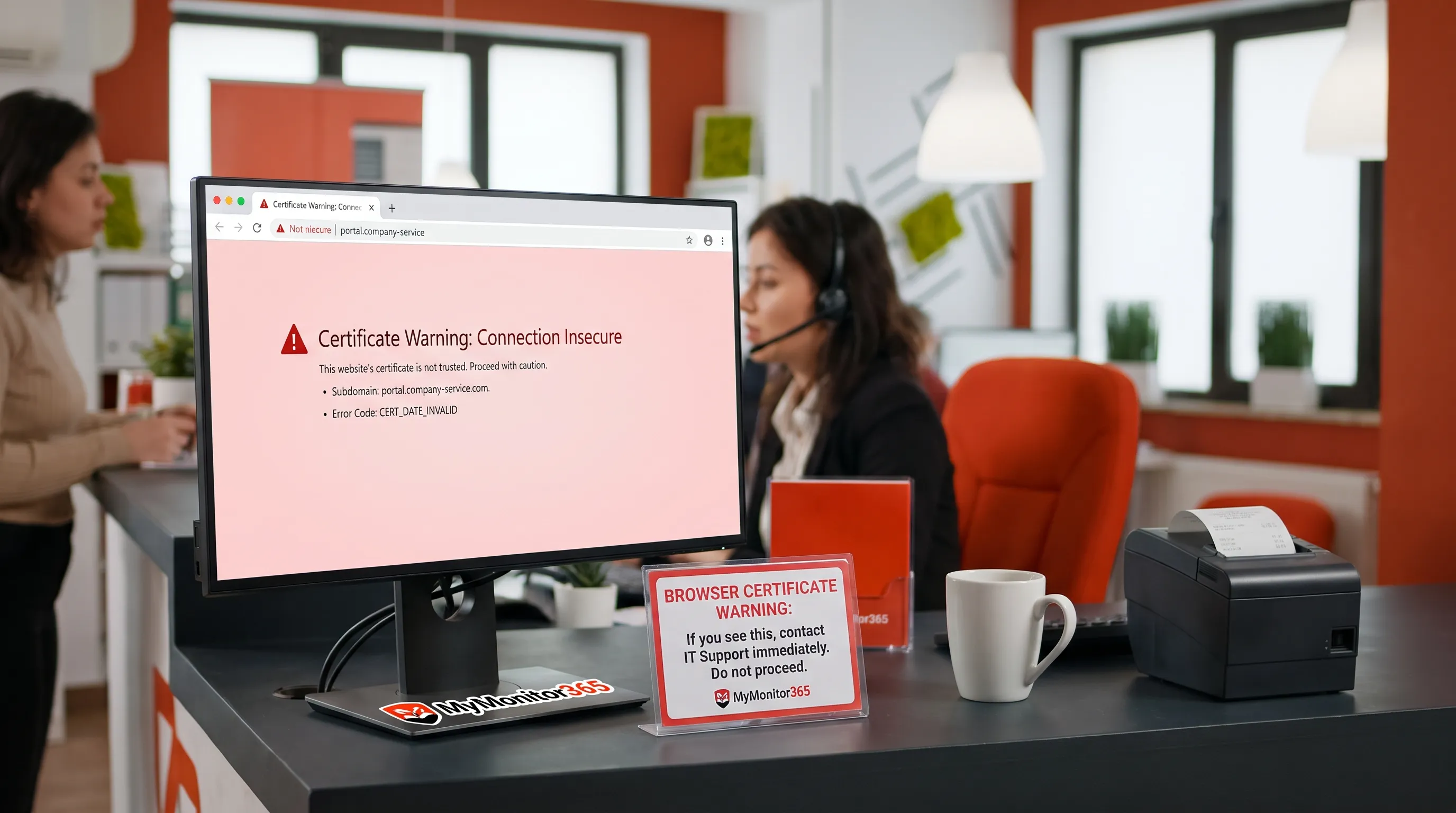
SSL domain coverage depends on the hostnames listed in a certificate, not simply on who owns the parent domain. A certificate for example.com does not automatically secure app.example.com. That subdomain must appear as an exact name in the certificate’s Subject Alternative Name (SAN) extension or match a wildcard entry such as *.example.com.
For IT teams, this distinction matters when adding customer portals, regional services or API endpoints. DNS can resolve correctly while the connection still fails certificate validation. Before publishing a hostname, check both the certificate’s names and the certificate actually served to clients.
A domain, a certificate and hosting are different things
A domain name identifies a destination in DNS. An SSL/TLS certificate binds a public key to validated identities, including DNS names. Your hosting platform, reverse proxy, load balancer or CDN presents that certificate during the TLS handshake.
Buying these services from the same provider can make them appear bundled, but their configuration remains separate. Registering a subdomain or pointing it at an existing server does not modify a certificate.
Modern HTTPS uses TLS rather than the obsolete SSL protocols, although “SSL certificate” remains common terminology. A valid certificate helps authenticate the requested hostname and protect the connection. It does not guarantee that the website’s business, content or downloads are trustworthy.
When does SSL domain coverage include a subdomain?
For modern browser-facing HTTPS, inspect the certificate’s SAN extension. Do not rely on the certificate’s display name, product label or legacy Common Name field.
The matching rules produce these results:
| Names included in the certificate’s SAN | Hostname requested | Covered by those names? |
|---|---|---|
example.com |
app.example.com |
No |
app.example.com |
app.example.com |
Yes |
*.example.com |
app.example.com |
Yes |
*.example.com |
example.com |
No |
*.example.com |
api.eu.example.com |
No |
example.com plus *.example.com |
example.com and www.example.com |
Yes, both |
“Covered” here means the hostname matches. The certificate must also be trusted, within its validity period and correctly deployed.
The IETF’s service identity standard, RFC 9525, describes DNS identity matching and restricts a supported wildcard to the complete left-most label. For ordinary HTTPS deployments, treat a wildcard as covering exactly one label, not an arbitrary branch of the DNS tree.
Wildcard depth is the common surprise
An SSL domain coverage review should count labels rather than assume every descendant inherits protection. For *.example.com, the wildcard can replace app in app.example.com. It cannot replace both api and eu in api.eu.example.com.
To cover api.eu.example.com, request that exact name or use *.eu.example.com. The latter still does not cover eu.example.com, which needs its own SAN entry if it serves HTTPS.
Likewise, www.example.com and the apex name example.com are distinct identities. Many certificate products and hosting workflows include both, but that is an issuance choice, not an automatic wildcard rule. Always inspect the resulting certificate.
Choose exact names, multiple SANs or a wildcard
For a small, stable service inventory, exact SAN entries provide clear coverage: example.com, www.example.com and api.example.com, for example. One certificate can contain multiple names, including names under different registered domains, provided the issuer validates the necessary control.
A wildcard is useful when many services share one naming level. However, it does not have to be deployed everywhere using the same private key. Separate certificates and keys can limit the impact of a compromised endpoint, even when their hostname coverage overlaps.
Choose based on naming structure, deployment boundaries and renewal ownership. A single large certificate can simplify some deployments but also couples services to the same replacement process. Separate certificates provide isolation at the cost of more lifecycle management.
Domain validation, organization validation and extended validation describe identity-validation approaches, not subdomain matching rules. None makes an apex-only certificate automatically cover its subdomains.
Proving domain control does not expand certificate coverage
SSL domain validation authorizes issuance for the names being requested. It does not mean that every hostname you could create will appear in the issued certificate.
Common validation methods include publishing a DNS challenge record or serving a challenge response over HTTP. Some certificate authorities also support approved email-based methods. The available options depend on the issuer and certificate type.
Let’s Encrypt’s challenge documentation explains its HTTP-01 and DNS-01 methods. Let’s Encrypt requires DNS-01 for wildcard issuance. DNS-01 commonly involves publishing a TXT record beneath _acme-challenge for the relevant domain.
If your team lacks DNS access, an HTTP challenge may work for an exact hostname when you control the required HTTP endpoint and meet the issuer’s conditions. A managed hosting provider may also handle validation through its supported workflow. Otherwise, involve the domain administrator; lacking administrative email access does not create a shortcut around ownership validation.
For automation, prefer narrowly scoped DNS credentials or supported challenge delegation rather than distributing unrestricted DNS account credentials to application servers.
Verify what the subdomain actually serves
An SSL domain coverage check must reach the endpoint clients use. Inspecting a certificate file on a server does not prove that the CDN, proxy or load balancer is presenting it.
Start with the exact hostname, including its full subdomain depth. In a browser’s certificate viewer, inspect the SAN list, validity dates and issuer. Then confirm that the connection succeeds without overriding a warning. Our guide to checking an SSL certificate and its key details explains the broader inspection process.
For a command-line test, use OpenSSL with both Server Name Indication (SNI) and hostname verification:
openssl s_client \
  -connect app.example.com:443 \
  -servername app.example.com \
  -verify_hostname app.example.com \
  -verify_return_error </dev/null
SNI tells a shared endpoint which hostname the client wants. The hostname-verification option checks whether the presented identity matches it. Review the verification result and any errors, rather than treating a completed TCP connection as success. Trust validation also depends on the CA trust configuration available to your OpenSSL installation.
Repeat the check for separately configured listeners and TLS termination points. Port 443 and port 8443 can present different certificates. A CDN’s public certificate also says nothing about the certificate used between that CDN and your origin.
Why a matching name can still produce a warning
An SSL domain match is necessary, but it is only one part of a valid HTTPS connection. A correctly named certificate can still fail because it has expired, its issuer is not trusted or the endpoint serves an incomplete certificate chain.
Deployment inconsistencies create another class of failure. One load-balancer node may serve the new certificate while another retains the old one. IPv4 and IPv6 traffic may reach different infrastructure. Test the destinations your clients actually use rather than assuming one successful request represents every route.
Redirects cannot repair a certificate mismatch
When a user opens https://example.com, TLS validation happens before the browser receives an HTTP redirect to https://www.example.com. The first hostname therefore needs valid certificate coverage too.
A CNAME does not transfer certificate coverage
If portal.example.com is a CNAME pointing to a provider’s hostname, the browser still validates portal.example.com. A certificate covering only the provider’s name is insufficient.
The provider must support that custom hostname and present a suitable certificate. DNS aliasing changes how the destination is located, not the identity the client expects.

Example: adding a regional API without breaking HTTPS
Suppose your current certificate contains example.com and *.example.com. It covers the public site, www.example.com and api.example.com.
Your network team now introduces api.eu.example.com. Creating its DNS record and routing it to the existing load balancer are not enough. Neither existing SAN entry matches the deeper hostname.
You have two straightforward options: issue a certificate containing the exact name api.eu.example.com or issue one containing *.eu.example.com if several regional services need coverage at that level. If eu.example.com also serves HTTPS, include that name separately.
In this rollout, the SSL domain coverage decision comes before the DNS cutover. Validate control, issue the certificate and configure the correct TLS listener. Then test the hostname against the intended endpoint before directing production traffic there. Where supported, a controlled local DNS override can help test the new route while retaining the real hostname for SNI and verification.
After launch, keep the new endpoint in the service inventory. For ongoing operations, monitoring wildcard and SAN certificates should account for the individual services presenting them, not just the existence of a certificate with suitable names.
Frequently asked questions
Does a wildcard certificate cover the root domain? Not by the wildcard entry alone. *.example.com does not match example.com. A certificate can include both entries, so inspect its SAN list rather than relying on the “wildcard” product label.
Does a certificate for the root domain cover www? No, not automatically. example.com and www.example.com are different hostnames. Both must be included explicitly, or www.example.com must match a wildcard entry such as *.example.com.
Can a free certificate cover subdomains? Yes. Free publicly trusted certificates can cover exact subdomain names, and providers such as Let’s Encrypt also issue wildcard certificates subject to their validation requirements. Price does not change hostname-matching behavior.
Will renewing a certificate automatically cover new subdomains? Do not assume so. SSL domain coverage follows the names in the newly issued certificate. An unchanged exact-name request will not gain additional hostnames simply because you created them in DNS. A renewed wildcard can match newly created hostnames at its existing wildcard level.
Does a certificate cover every URL path and port? Certificate DNS identities match hostnames, not URL paths. A matching certificate can support different paths, but each TLS listener must actually present an appropriate certificate. Connecting by IP address introduces separate IP-address identity requirements.
Check coverage before publishing the hostname
Make certificate identity a release check whenever a team adds a hostname, changes DNS routing or introduces another TLS termination point. Confirm the SAN match first, then verify trust and the certificate presented through the production route.
MyMonitor365 combines HTTP/API monitoring, SSL security, DNS change monitoring and multi-location checks to support ongoing infrastructure visibility. Use these alongside a clear certificate inventory and deployment checks, so a new subdomain is not treated as secure merely because its DNS record exists.
#Domain #SSL #TLS #Subdomains #ITOperations