
DNS Resolution Failures: Causes, Fixes, and Alerts
Learn why DNS resolution fails, how to fix common causes, and how DNS alerts help IT teams catch outages before users notice.
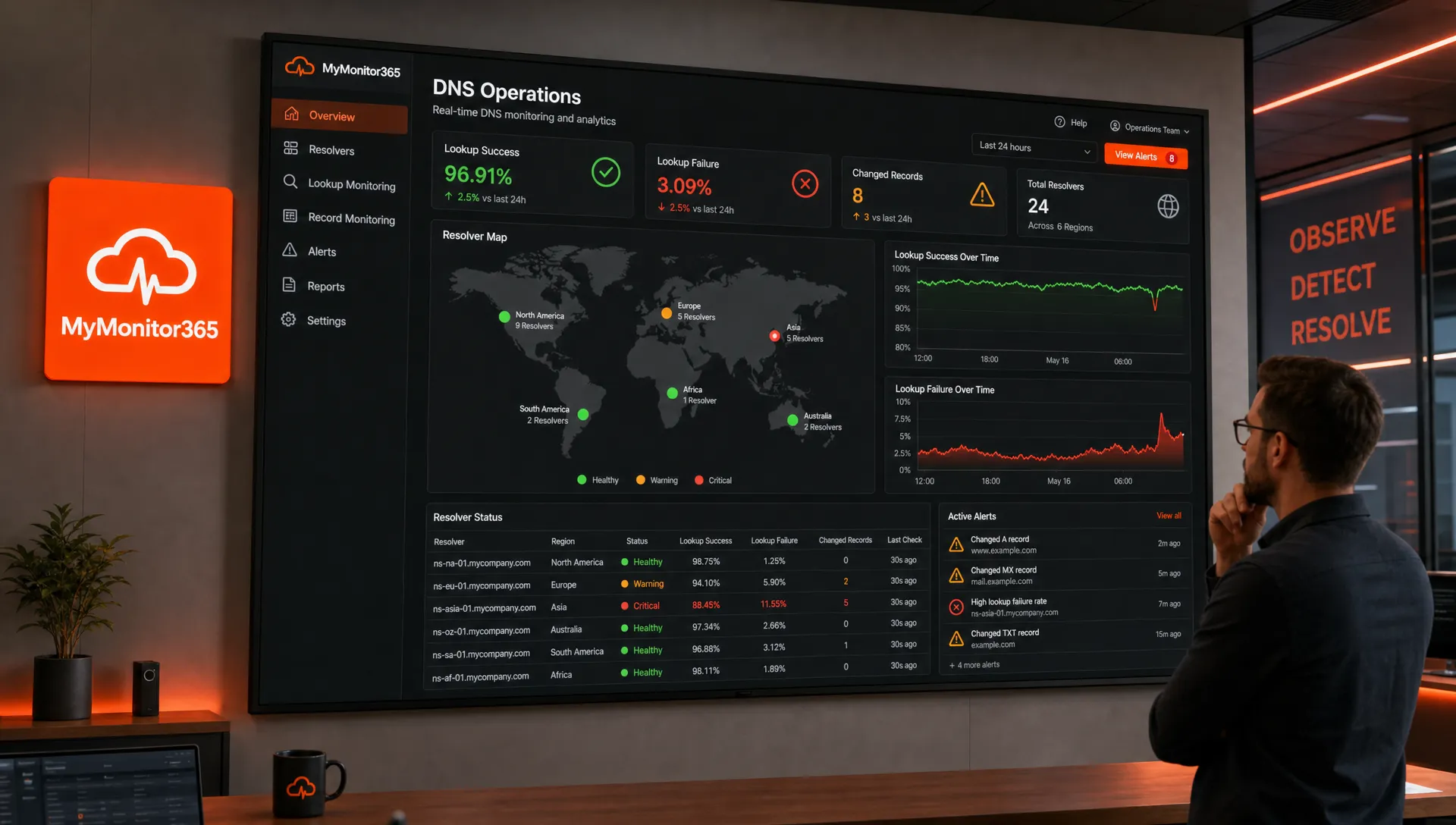
DNS is one of the easiest services to forget when it works and one of the first suspects when users say, “the site is down.” A server can be healthy, an application can be running, and a certificate can be valid, but if DNS resolution fails, users may never reach the service at all.
For IT teams and MSPs, the goal is not just to fix DNS after an outage. The goal is to recognize the failure mode quickly, prove where the problem lives, and receive alerts early enough to act before customers open tickets.
What DNS resolution failures actually mean
DNS resolution is the process of converting a human-readable name, such as app.example.com, into the IP address or service target that clients need to connect. A typical lookup may involve a local device cache, an operating system resolver, a recursive resolver, root and TLD servers, and the authoritative nameservers for the domain.
A DNS resolution failure means that one or more steps in that chain did not return a usable answer. That does not always mean “DNS is down.” It may mean the answer is missing, the resolver cannot validate DNSSEC, a firewall is blocking port 53, the wrong record was published, or a cached response is still pointing users to an old endpoint.
Common DNS failure signals include:
| Symptom | What it usually means | Typical impact |
|---|---|---|
NXDOMAIN |
The requested hostname does not exist | Users cannot reach the service at all |
SERVFAIL |
A resolver or authoritative server failed to complete the lookup | Intermittent or widespread connection failures |
| Timeout | No response arrived before the query timed out | Slow page loads, failed API calls, retry storms |
| Wrong IP address | DNS resolves, but to an unexpected destination | Users reach the wrong service or region |
| Stale answer | Cached records still contain old values | Some users work while others fail |
| Intermittent failures | Only some locations or resolvers fail | Hard-to-reproduce incidents and support noise |
The most important troubleshooting mindset is simple: DNS can fail locally, regionally, globally, or only through a specific resolver path. You need to prove scope before changing records.
Common causes of DNS resolution failures
Misconfigured or missing records
The simplest cause is also one of the most common. An A, AAAA, CNAME, MX, TXT, or SRV record may be missing, mistyped, deleted during a migration, or published in the wrong DNS zone. A trailing dot error, an incorrect CNAME target, or confusion between root domain and subdomain records can be enough to break production traffic.
This often happens during hosting migrations, SaaS onboarding, email provider changes, or infrastructure-as-code updates where a DNS zone is modified automatically.
Authoritative nameserver problems
Authoritative nameservers are the source of truth for your domain. If they are unreachable, misconfigured, or no longer aligned with the registrar, recursive resolvers may not be able to retrieve valid records.
Typical issues include incorrect NS records at the registrar, broken glue records, a DNS provider outage, or zones that exist in one provider dashboard but are not actually delegated from the parent zone.
DNSSEC validation errors
DNSSEC helps protect DNS data from tampering, but it also adds validation requirements. If DS records, DNSKEY records, or signatures are mismatched or expired, validating resolvers may return SERVFAIL even though non-validating resolvers appear to work.
This creates confusing incidents where one group of users can resolve a domain and another cannot. When DNSSEC is enabled, it should be monitored as a production dependency, not treated as a set-and-forget setting.
Resolver-specific or ISP-specific failures
Sometimes your authoritative DNS is fine, but a public resolver, ISP resolver, corporate resolver, or local DNS forwarder is having issues. This can make the outage look random because users in one geography, office, or network fail while everyone else resolves normally.
Multi-location testing is valuable here because it helps separate “our DNS is broken” from “one resolver path is failing.”
Network filtering and port 53 problems
DNS usually uses UDP port 53, but TCP port 53 is also required in several cases, including large responses and zone transfers. Firewalls, VPN appliances, endpoint security tools, and cloud security groups can block or degrade DNS traffic.
EDNS, packet fragmentation, IPv6 routing, and overly restrictive egress policies can also cause DNS queries to time out or fail unpredictably.
TTL and caching surprises
TTL values control how long resolvers may cache an answer. A short TTL can help during planned migrations, but it does not instantly clear every cache. A long TTL can keep old answers alive long after you have corrected a record.
This is why “I fixed DNS five minutes ago” does not always mean users are fixed. Depending on previous TTLs and resolver behavior, stale answers may remain visible for longer than expected.
Split-horizon DNS and internal naming
Many organizations use split-horizon DNS, where internal users receive different answers than external users. This is common for VPNs, private applications, internal APIs, and hybrid cloud networks.
The risk is that an internal zone may mask a public zone, or a private resolver may return an internal address to users who are no longer on the VPN. In containerized and cloud-native environments, service discovery adds another layer of DNS behavior that needs to be tested from the right network location.
A practical DNS troubleshooting workflow
When DNS resolution breaks, avoid guessing. Work through scope, response code, record correctness, and network path in that order.
Confirm the failure scope
Start by asking who is affected. Is the issue limited to one user, one office, one ISP, one cloud region, or all locations? A single laptop failure may point to local cache or VPN settings. A multi-region failure points toward authoritative DNS, registrar settings, DNSSEC, or a provider issue.
For public services, compare lookups from several networks and resolvers. For private services, test from the same network context your users or applications depend on.
Query both recursive and authoritative DNS
A recursive resolver tells you what clients are likely to see. An authoritative nameserver tells you what your domain is actually publishing. If the authoritative answer is correct but recursive answers differ, you may be looking at caching, resolver-specific behavior, or propagation delay.
Useful checks include:
| Check | What it helps verify |
|---|---|
| Query a public resolver | Whether common client paths can resolve the name |
| Query the authoritative nameserver directly | Whether the source-of-truth record is correct |
Compare A and AAAA records |
Whether IPv4 and IPv6 answers are both valid |
Check CNAME chains |
Whether each target in the chain resolves correctly |
| Inspect TTL values | Whether stale answers may persist |
| Test from multiple locations | Whether the issue is regional or global |
Read the response code before changing anything
An NXDOMAIN means the name does not exist from that resolver’s perspective. A SERVFAIL often suggests validation, upstream, or authoritative lookup problems. A timeout points toward reachability, filtering, or resolver availability. A successful response with the wrong value points toward record management or caching.
Changing records without understanding the response code can make recovery harder, especially if multiple teams manage DNS, CDN, hosting, and registrar settings.
Check adjacent dependencies
DNS failures often appear alongside other infrastructure problems. A DNS record may resolve correctly, but the destination IP might be unreachable. A record may point to the correct host, but the HTTPS service might fail because of an expired certificate or broken TLS chain.
That is why DNS checks should be part of broader service monitoring. MyMonitor365’s guide on how to monitor your full infrastructure stack explains how DNS, HTTP, SSL, TCP, and network checks fit together to reduce blind spots.
Fixes for the most common DNS failure modes
The right fix depends on the failure type. Use the table below as a quick reference during incident response.
| Cause | Immediate fix | Longer-term prevention |
|---|---|---|
| Missing record | Recreate the record in the authoritative zone | Use change reviews and audit logs for DNS updates |
| Wrong record value | Restore the previous known-good value or publish the correct target | Monitor expected DNS answers from multiple locations |
| Broken CNAME chain | Correct the failing target or shorten the chain | Document third-party DNS dependencies |
| Registrar delegation issue | Update NS records at the registrar | Include registrar settings in periodic DNS audits |
| DNS provider outage | Fail over if you have secondary DNS available | Use redundant DNS providers for critical domains |
| DNSSEC mismatch | Correct DS/DNSKEY alignment or temporarily disable validation safely | Monitor DNSSEC changes and expiry-related risks |
| Resolver-specific failure | Provide alternate resolver guidance or escalate to the provider | Test from multiple resolver networks |
| Blocked DNS traffic | Allow UDP and TCP 53 where required | Validate firewall and VPN policies after changes |
| Stale cached answer | Wait for TTL expiry or use provider cache purge options where available | Lower TTL before planned migrations |
How to alert on DNS resolution failures before users complain
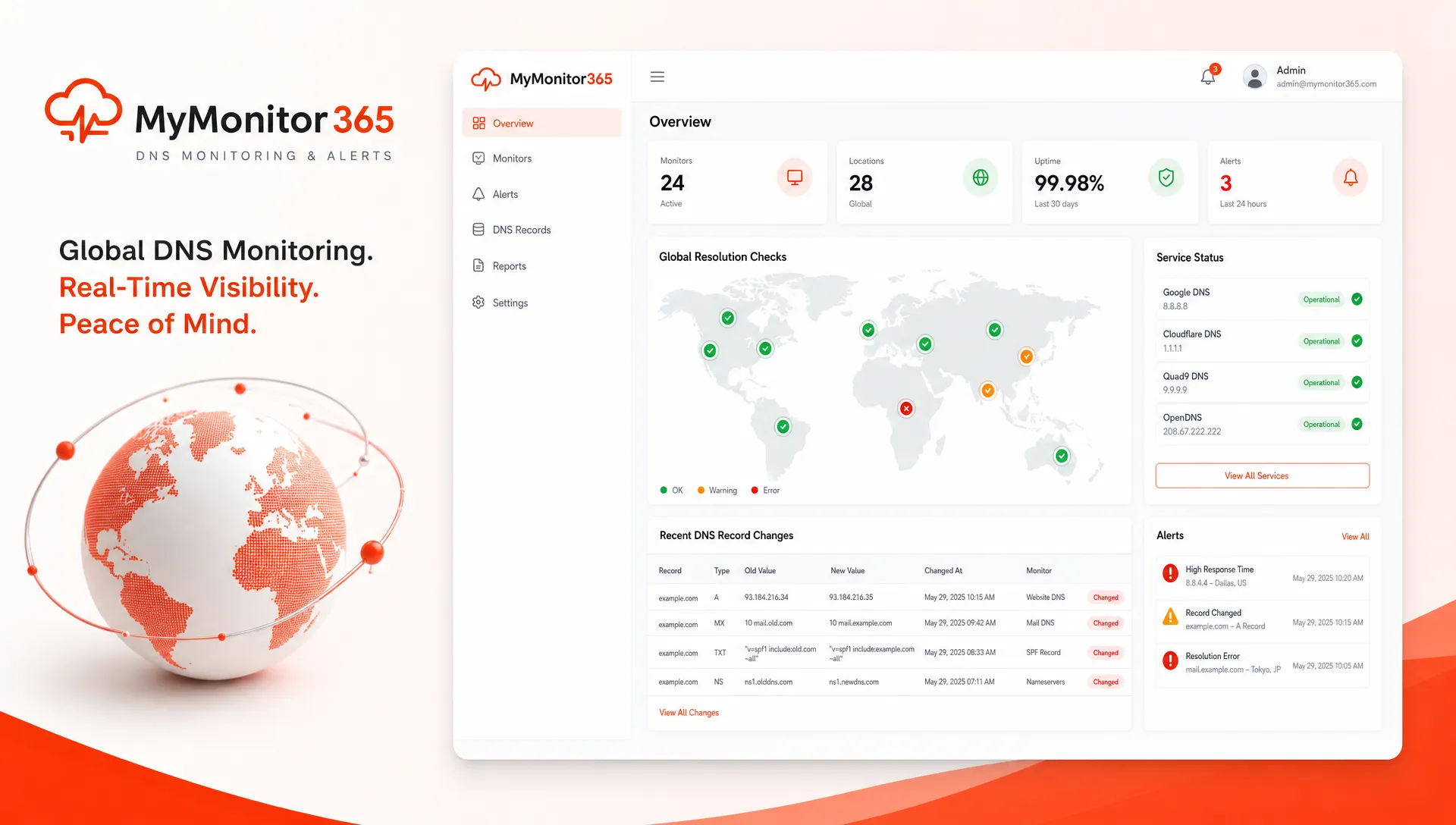
Manual DNS troubleshooting is useful during an incident, but alerts are what help you respond before the incident becomes visible. A strong DNS alerting strategy should test both availability and correctness.
Monitor DNS answers, not just DNS availability
A DNS server responding is not enough. You also need to know whether the answer is correct. For example, api.example.com may resolve successfully, but if it points to an old IP address after a migration, users may still fail.
For important hostnames, alert when:
- The lookup returns
NXDOMAIN,SERVFAIL, or timeout. - The returned
A,AAAA,CNAME,MX, orTXTvalue changes unexpectedly. - The answer differs between monitoring regions.
- A CNAME target in the chain stops resolving.
- DNS response time rises sharply compared with normal behavior.
MyMonitor365 supports DNS change monitoring and multi-location monitoring, which helps teams catch both broken resolution and unexpected record changes. Pairing DNS checks with HTTP/API monitoring, TCP port monitoring, SSL monitoring, and ping checks gives you a clearer view of whether users can actually reach the service after DNS resolves.
Use multi-location checks for regional issues
DNS incidents are not always global. A resolver in one region may return stale data, a DNS provider edge node may be unhealthy, or a network path may block queries from certain locations.
Multi-location DNS monitoring helps detect these partial failures. Instead of waiting for scattered user complaints, your team can see that resolution is failing from specific locations while succeeding elsewhere. This is especially important for MSPs supporting customers across different cities, ISPs, and cloud regions.
If you want a broader framework for combining DNS and other signals, the MyMonitor365 article on how to monitor network infrastructure without blind spots covers layered checks across connectivity, ports, web services, SSL, and DNS.
Treat DNS changes as security signals
Unexpected DNS changes can be operational mistakes, but they can also indicate domain compromise, registrar account abuse, or unauthorized changes by a third party. A changed A record, unfamiliar MX destination, or modified verification TXT record should be investigated quickly.
This is where network and security monitoring overlap. DNS is both a reliability dependency and a security control plane. The MyMonitor365 article on why network and security monitoring must work together goes deeper into how signals like DNS changes, SSL issues, and connectivity failures can reveal more than simple downtime.
Building a DNS incident runbook
A DNS runbook helps your on-call team respond consistently, especially under pressure. It should define ownership, escalation paths, expected records, and rollback steps.
At minimum, document:
- Critical domains and subdomains.
- Authoritative DNS providers and registrar accounts.
- Expected values for important records.
- DNSSEC status and key ownership.
- Normal TTL values and migration procedures.
- Who can approve and perform DNS changes.
- How to verify recovery from multiple locations.
Incident response is also about knowing when a problem is not DNS. A branch office connectivity issue may come from local power, cabling, or premises equipment rather than name resolution. For UK organizations managing physical sites, having a way to compare local tradespeople and cost guides can be useful when an outage investigation points to facilities work instead of an online service fault.
For MSPs, runbooks should be client-specific. Two customers may use different registrars, DNS providers, CDNs, and escalation rules. Store this information where your on-call team can reach it quickly, and review it after every DNS-related incident.
Frequently Asked Questions
What is DNS resolution? DNS resolution is the process of translating a domain name into the IP address or target record that a device needs to connect to a service.
What causes DNS resolution failures? Common causes include missing records, wrong record values, authoritative nameserver issues, DNSSEC errors, resolver outages, blocked DNS traffic, stale caches, and split-horizon DNS mistakes.
How do I know if DNS is the problem? Compare lookups from multiple networks and query authoritative nameservers directly. If DNS returns NXDOMAIN, SERVFAIL, timeouts, or unexpected records, DNS is likely part of the issue.
Why does DNS work for some users but not others? Different users may rely on different recursive resolvers, cached answers, ISPs, VPNs, or geographic DNS paths. That can create partial or intermittent failures.
How can monitoring reduce DNS downtime? DNS monitoring can alert you when lookups fail, records change unexpectedly, answers differ by location, or response times degrade. This gives teams time to investigate before users report the problem.
Make DNS resolution visible with MyMonitor365
DNS should not be a hidden dependency that only gets attention during outages. With MyMonitor365, IT teams and MSPs can monitor DNS changes, test services from multiple locations, and combine DNS checks with HTTP/API, SSL, TCP port, ping, and alert integrations.
If DNS resolution is critical to your websites, APIs, customer portals, or client infrastructure, start monitoring it proactively with MyMonitor365. A free plan is available, and no credit card is required.
Hashtags
#DNSResolution #DNSMonitoring #UptimeMonitoring #NetworkMonitoring #IncidentResponse #MSP #MyMonitor365