
How to Prevent Security Certificate Expiration Issues
Prevent security certificate expiration issues with ownership, automation, monitoring, alerts, and renewal playbooks for IT teams.

A security certificate that expires at the wrong moment can look like a simple date mistake, but the business impact can be severe. Browsers block users, APIs reject connections, mobile apps fail silently, monitoring tools raise availability incidents, and executives often discover the problem at the same time customers do.
The good news is that most security certificate expiration issues are preventable. They happen less because teams forget how TLS works and more because certificate ownership, renewal workflows, and monitoring are not treated as production controls.
For IT managers, network teams, CIOs, and IT operations leaders, the goal is not just to renew certificates on time. The goal is to build a certificate lifecycle that keeps working even when people change roles, vendors update processes, DNS changes, or renewal automation fails.
Why security certificate expiration becomes a production incident
A TLS certificate is part of the trust chain between a user, device, service, or integration and the system it is trying to reach. When that certificate expires, the client can no longer verify that the service is trustworthy. The result is usually a hard failure, not a minor warning.
For public websites, this often appears as a browser warning that stops users from continuing. For APIs, it may show up as failed requests from partners, payment providers, mobile apps, or internal services. For infrastructure, it can affect load balancers, VPN portals, firewalls, mail systems, management consoles, Kubernetes ingress controllers, and monitoring endpoints.
The certificate lifecycle also requires more discipline than it used to. Publicly trusted TLS certificates are moving toward shorter lifetimes, and the CA/Browser Forum certificate validity schedule pushes organizations toward more frequent renewals over the next few years. That makes calendar reminders and manual spreadsheets increasingly fragile.
If your organization still treats certificates as occasional administrative tasks, it is time to treat them as operational assets.
Build a complete certificate inventory first
You cannot prevent expiration for certificates you do not know exist. A reliable inventory is the foundation of every certificate management program.
Start with all internet-facing assets, then expand inward. Many organizations monitor the obvious certificates on their main website but miss certificates on regional domains, legacy portals, API gateways, test environments used by customers, partner endpoints, SSO portals, and infrastructure admin tools.
Your inventory should include at least these categories:
- Public websites and customer portals
- APIs, webhooks, and integration endpoints
- Load balancers, reverse proxies, and CDN edge certificates
- VPN, firewall, and remote access portals
- Mail, identity, and SSO services
- Kubernetes ingress, service mesh, and internal platform certificates
- Private PKI and internal certificates used by applications or devices
Do the same for business applications outside classic infrastructure. A customer portal, billing system, scheduling platform, or industry system such as software that runs your pool service can still become unavailable to users if its certificate expires. From the customer’s perspective, a certificate failure is an application outage.
A useful certificate inventory should not be just a list of hostnames. It should connect each certificate to a business service, an owner, and a renewal process.
| Inventory field | Why it matters |
|---|---|
| Hostname or endpoint | Identifies where the certificate is presented |
| Business service | Shows which users, customers, or workflows are affected |
| Certificate authority | Helps teams understand renewal source and support path |
| Expiration date | Drives alerting, ticketing, and renewal timelines |
| SANs and wildcard coverage | Prevents missed names during replacement |
| Technical owner | Creates accountability for renewal and testing |
| Renewal method | Clarifies whether renewal is manual, automated, or vendor managed |
| Monitoring status | Confirms the certificate is externally checked |
If you need a refresher on what to inspect manually, this guide to checking an SSL certificate and what to look for covers expiration, issuer, SANs, chains, and related details.
Assign ownership before the renewal window
Security certificate expiration issues often occur when everyone assumes someone else owns the certificate. The infrastructure team manages the load balancer, the application team owns the service, the security team owns PKI policy, and the vendor owns the platform. Without a clear owner, alerts become noise.
Each certificate should have a named team or role responsible for renewal, validation, and escalation. Avoid relying on one individual wherever possible. People take leave, change teams, and leave the company. Use group-owned mailboxes, ticket queues, and documented responsibilities.
Ownership should answer four questions:
- Who receives expiration alerts?
- Who can renew or request the renewal?
- Who can deploy the new certificate to the correct system?
- Who verifies that the service works after renewal?
This is especially important for MSPs and distributed IT organizations. A certificate for a small customer portal may seem low priority until it affects billing, support, or contractual uptime commitments. Assigning ownership keeps renewals from becoming last-minute detective work.
Automate renewal, but do not assume automation is enough
Automation is one of the best ways to reduce certificate expiration risk. ACME-based renewal, managed certificates, infrastructure as code, and platform-native certificate controllers can remove many manual steps from the process.
However, automated renewal is not the same as guaranteed renewal. Automation can fail because DNS validation breaks, a firewall blocks a challenge, an API token expires, a CAA record prevents issuance, a rate limit is hit, or a deployment pipeline cannot reload the service after installing the new certificate.
A mature renewal workflow includes both automation and verification. The certificate should renew, deploy, present correctly on the endpoint, and be visible to external checks before the old certificate expires.
For systems that cannot be fully automated, standardize the manual process. Document where the certificate is purchased, how validation is completed, where the private key is stored, who can access it, how deployment is performed, and how rollback works. Manual renewals should be repeatable, not tribal knowledge.
Monitor expiration from the user’s point of view
Internal records are not enough. Your CMDB may say a certificate was renewed, but users only care about what the endpoint actually presents during a connection. That is why external monitoring is critical.
A good SSL monitoring setup checks the certificate from outside your network, validates the certificate chain, confirms the hostname matches, and alerts before expiration becomes urgent. Multi-location monitoring adds another layer of protection by catching regional DNS, CDN, or routing differences that a single internal check may miss.
MyMonitor365 supports SSL security monitoring alongside HTTP/API monitoring, DNS change monitoring, ping and ICMP checks, TCP port monitoring, multi-location checks, maintenance windows, and alert integrations. That combination matters because certificate issues rarely exist in isolation. A renewal may be tied to a DNS change, an API health check, or a service restart.
For deeper coverage, use monitoring that checks more than the expiration date. The most useful HTTPS certificate checks that prevent costly outages include expiration, hostname matching, chain validity, issuer changes, and endpoint availability.
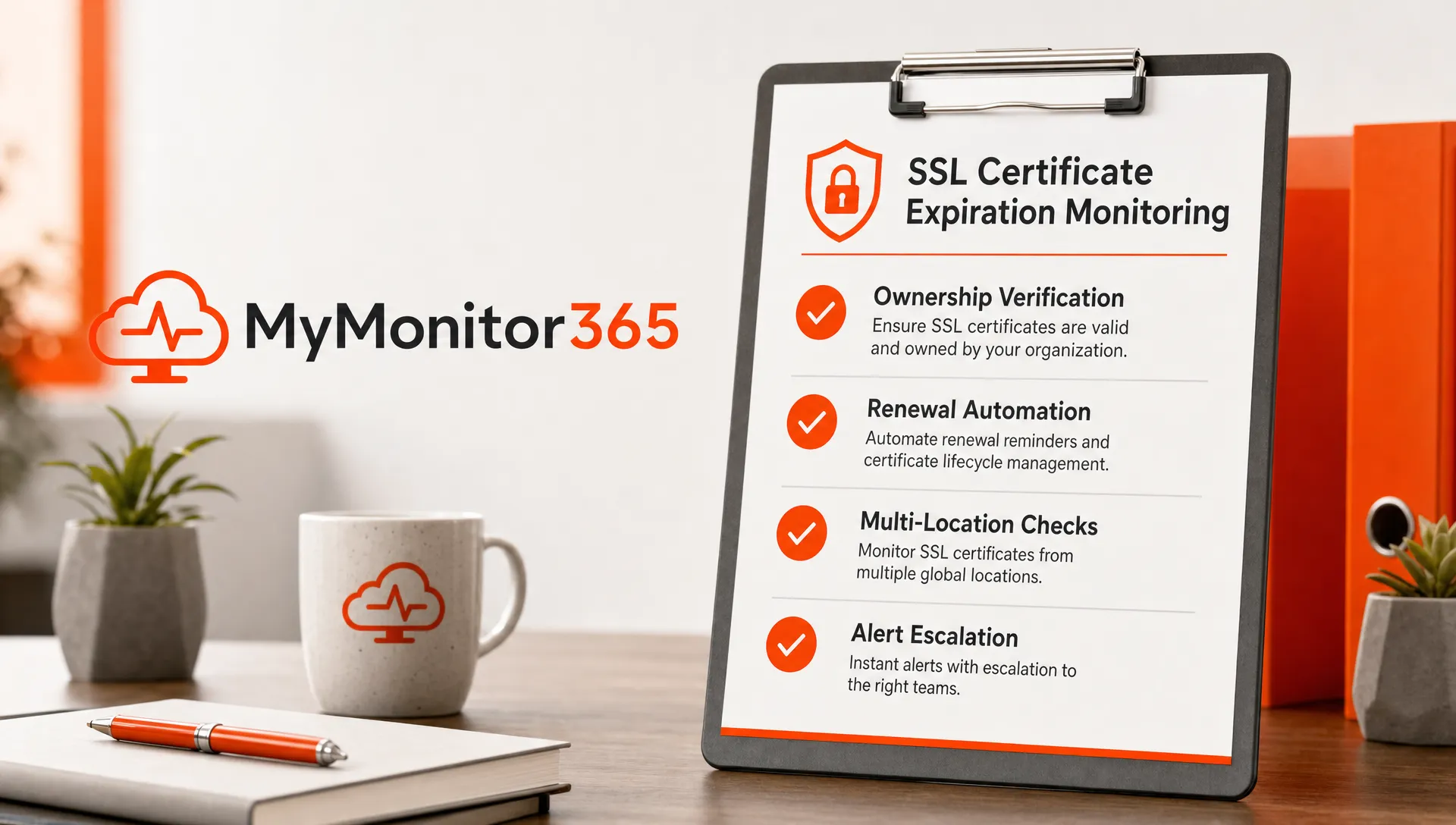
The right alert schedule depends on your organization, but the pattern should create enough time for normal work, escalation, and emergency response.
| Alert timing | Purpose | Typical action |
|---|---|---|
| 90 days before expiration | Early planning | Confirm owner, renewal path, and change window |
| 60 days before expiration | Operational readiness | Open or update renewal ticket |
| 30 days before expiration | Active renewal | Complete validation and prepare deployment |
| 14 days before expiration | Escalation | Notify service owner and operations lead |
| 7 days before expiration | Urgent action | Prioritize renewal and deployment |
| 3 days or less | Incident prevention | Escalate to on-call or incident process |
The point is not to create more alerts. The point is to make each alert actionable. A 60-day warning should not page an engineer at night, but a 3-day warning on a production payment endpoint may deserve immediate escalation.
Test renewal paths before they are urgent
Many certificate outages happen during renewal, not because no one noticed the expiration date. A replacement certificate might be issued correctly but installed on only one load balancer node. A certificate chain might be incomplete. A SAN might be missing. A service might require a restart that is not included in the change plan.
Test the full renewal process before you need it. For critical services, run a renewal rehearsal in staging or on a non-production endpoint that uses the same method. Validate DNS challenges, HTTP challenges, permissions, deployment steps, and post-renewal checks.
Pay special attention to these failure points:
- DNS validation records that are removed too early or managed by another team
- CAA records that block the chosen certificate authority
- Load balancers or CDNs that cache an old certificate
- Application servers that require a restart or reload
- Missing intermediate certificates in the deployed chain
- Certificates renewed for the wrong hostname or incomplete SAN list
- Expired API credentials used by automation tools
When a renewal process is tested, documented, and monitored, it becomes routine. When it is untested, every expiration warning becomes a potential incident.
Coordinate certificates with DNS, change management, and maintenance windows
Certificates depend on more than certificate authorities. DNS, routing, firewall rules, and deployment workflows all influence whether a certificate can be issued and used.
For example, DNS-based validation requires accurate and timely DNS changes. HTTP validation requires the certificate authority to reach a specific path on the domain. A CDN or WAF may interfere with validation traffic. A private endpoint may need a different process entirely.
Change management also matters. If you schedule a certificate update during a freeze period, or if maintenance windows are not visible to monitoring tools, teams may either miss a real issue or create false alarms. Maintenance windows should suppress expected downtime without hiding certificate expiration risk.
For critical services, include certificates in dependency reviews. A business service map should show which certificate, DNS zone, load balancer, CDN, and backend service are required for users to connect successfully.
Create an escalation playbook for expiring certificates
Even with strong controls, you need a playbook for certificates that approach expiration. The playbook should be simple enough for on-call teams to use under pressure.
A practical certificate expiration playbook should include:
- How to identify the affected endpoint and business service
- How to determine the current certificate, issuer, SANs, and chain
- Where the renewal process is documented
- Who owns the service and who can approve emergency changes
- How to deploy the renewed certificate
- How to verify the endpoint from outside the network
- How to communicate risk to stakeholders
- How to close the incident or ticket after validation
For severe cases, treat imminent expiration like an availability incident. A certificate that expires in two days on a customer-facing API deserves the same operational urgency as a server running out of disk space or a failing database cluster.
Track metrics that show certificate risk is shrinking
CIOs and IT operations leaders need visibility into whether certificate risk is actually improving. Basic counts are helpful, but operational metrics are better.
| Metric | What it tells you |
|---|---|
| Percentage of certificates with assigned owners | Whether accountability is clear |
| Percentage of production certificates monitored externally | Whether visibility matches real user experience |
| Certificates expiring within 30 days | Near-term operational risk |
| Certificates renewed automatically | Maturity of lifecycle automation |
| Failed or delayed renewals | Weak points in the process |
| Unknown certificates discovered | Gaps in asset inventory |
| Certificate-related incidents | Business impact over time |
Review these metrics monthly for normal operations and after every certificate-related incident. The goal is not perfection on day one. The goal is steady reduction in unknown certificates, manual renewals, and last-minute escalations.
A practical prevention checklist
If you need to reduce security certificate expiration issues quickly, focus on the controls that remove the most risk first.
- Create a complete inventory of public and critical internal certificates.
- Assign every production certificate to a team, not just an individual.
- Monitor certificate expiration externally from multiple locations.
- Alert at staged intervals such as 90, 60, 30, 14, 7, and 3 days.
- Automate renewals where systems support it.
- Verify that automation deploys the new certificate, not just issues it.
- Test renewal paths for critical services before the renewal window.
- Include certificates in DNS, CDN, and load balancer change reviews.
- Document emergency renewal and rollback steps.
- Report certificate risk metrics to IT operations leadership.
These controls turn certificate management from a reactive task into a predictable operational process.
Frequently Asked Questions
How far in advance should IT teams alert on certificate expiration? Most teams should start alerting at least 30 days before expiration, but critical services benefit from earlier warnings at 60 or 90 days. Use later alerts, such as 7 days and 3 days, for escalation rather than initial awareness.
Can automated renewals completely prevent certificate expiration issues? Automation reduces risk, but it does not eliminate it. DNS validation, expired credentials, deployment failures, incomplete chains, and service reload problems can still cause outages. Always pair automation with external monitoring and post-renewal verification.
Should internal certificates be monitored too? Yes. Internal certificate expiration can break APIs, service-to-service communication, VPNs, management tools, and identity systems. Prioritize internal certificates that support production workflows or privileged access.
What is the difference between SSL monitoring and HTTPS monitoring? SSL monitoring usually focuses on certificate validity, expiration, hostname matching, and trust chain health. HTTPS monitoring also verifies that the web endpoint responds correctly, which helps detect outages caused by certificate, DNS, routing, or application issues.
Who should own certificate management in an organization? Ownership varies, but accountability should be clear. Security may define policy, infrastructure may manage platforms, and application teams may own specific services. Each production certificate should have a responsible team that can renew, deploy, and validate it.
Prevent certificate expiration before it becomes downtime
Security certificate expiration is preventable when teams combine inventory, ownership, automation, monitoring, and escalation. The most resilient organizations do not wait for a browser warning or a failed API call. They detect risk early and resolve it before users notice.
With MyMonitor365, IT and MSP teams can monitor SSL certificates, HTTP(S) endpoints, DNS changes, APIs, ports, and network services with instant alerts and multi-location checks. Start with the certificates that matter most, then expand coverage until expiration risk is continuously visible.
#SSLMonitoring #TLSCertificates #CertificateManagement #UptimeMonitoring #ITOperations #NetworkMonitoring #MSPTools #MyMonitor365