
HTTP HTTPS Monitoring: Key Differences That Matter
Understand HTTP HTTPS monitoring differences, what each check catches, and how IT teams can prevent uptime, redirect, and certificate failures.

HTTP and HTTPS monitoring often get grouped together because they both answer a simple question: can users reach this web service? For IT operations teams, network teams, MSPs, and CIOs, that grouping is useful but incomplete. HTTP and HTTPS checks validate different parts of the delivery path, fail for different reasons, and produce alerts with very different operational meaning.
A plain HTTP check might confirm that a web server responds on port 80. An HTTPS check goes further by proving that the service can complete a TLS handshake, present a trusted certificate, negotiate encryption, and return the expected web or API response over port 443. In modern environments, where login portals, SaaS dashboards, APIs, payment flows, and customer-facing applications rely on encrypted traffic, those differences matter.
The goal is not to choose HTTP or HTTPS monitoring. The goal is to understand what each layer tells you, then design checks that reflect how users, applications, and dependencies actually behave.
HTTP vs HTTPS monitoring in one sentence
HTTP monitoring verifies whether a web endpoint responds correctly over the Hypertext Transfer Protocol. HTTPS monitoring verifies the same web behavior through an encrypted TLS connection, while also exposing certificate, handshake, trust, and security-related failure modes.
MDN describes HTTP as the foundation for data exchange on the web. HTTPS uses that same HTTP request and response model, but wraps it in TLS to protect confidentiality, integrity, and server identity. From a monitoring perspective, that extra layer creates more things to validate and more ways a service can fail.
This is why a simple “website is up” alert is not enough. A site can answer HTTP requests while HTTPS is broken. It can have a valid certificate but return the wrong content. It can respond from one region but fail from another. It can return a 200 OK status while the page contains an application error. HTTP HTTPS monitoring should be designed to catch those realities.
What HTTP monitoring actually checks
HTTP monitoring sends a request to a URL and evaluates the response. At its simplest, the monitor asks: did the endpoint respond, and did it return an acceptable status code?
For internal tools, legacy systems, redirect endpoints, load balancer health pages, or controlled network services, HTTP checks still have value. They can confirm that a web process is running, that routing works, and that a server can return content. They are also useful when you intentionally expose a non-encrypted endpoint for health checks inside a private network.
Common HTTP monitoring signals include response availability, status code, response time, redirects, content matching, and errors such as timeouts or connection refusals. A good HTTP check does not simply accept any response. It should know whether a 200, 301, 302, 401, 403, or 500 is expected for that endpoint.
For example, a public website might be expected to redirect from http://example.com to https://example.com. In that case, an HTTP 301 or 308 redirect can be healthy. A 200 OK response on the unencrypted version might be a configuration issue if your policy requires HTTPS everywhere.
HTTP monitoring is most useful when it is explicit about intent. Are you testing a redirect? A health endpoint? A public page? A service behind a reverse proxy? Each scenario should have its own expected result.
What HTTPS monitoring adds
HTTPS monitoring includes the application-level checks of HTTP, but adds TLS validation before the HTTP response is even evaluated. That changes both the scope and the value of the monitor.
An HTTPS check can reveal problems such as an expired certificate, a certificate that does not match the hostname, an incomplete certificate chain, TLS negotiation failures, unsupported protocol versions, or a server that is reachable but not trusted by clients. These issues often create hard failures for users, even if the application server itself is healthy.
This is especially important because certificate and TLS problems are frequently invisible to basic port or ping checks. A server can respond to ICMP ping, accept TCP connections on port 443, and still fail in the browser because the certificate is invalid. If your monitoring stops before the TLS layer, your team may not know there is a customer-impacting outage until users report it.
For a deeper look at the certificate side of this problem, MyMonitor365 has a dedicated guide on HTTPS certificate checks that prevent costly outages. The key point here is that HTTPS monitoring should not be treated as “HTTP plus a padlock.” It is a separate operational control.
Key differences that matter for IT teams
The practical differences between HTTP and HTTPS monitoring become clearer when you map each check to the type of failure it can detect.
| Monitoring area | HTTP monitoring | HTTPS monitoring | Why it matters |
|---|---|---|---|
| Transport port | Usually port 80 | Usually port 443 | Confirms the correct service path is reachable |
| Encryption | Not validated | TLS handshake is required | Finds encryption and negotiation failures |
| Certificate trust | Not applicable | Certificate validity can be checked | Prevents browser and API client trust errors |
| Redirect behavior | Often used to test HTTP-to-HTTPS redirects | Confirms final secure destination | Catches broken canonical URL flows |
| Status code | Validates HTTP response codes | Validates secure HTTP response codes | Separates application errors from TLS errors |
| Content checks | Can verify expected text or keywords | Can verify expected text or keywords securely | Detects wrong pages, maintenance pages, and partial failures |
| User realism | Lower for public sites that force HTTPS | Higher for most modern user journeys | Better reflects how users and API clients connect |
The table highlights an important operational lesson: HTTP checks are often best for redirect and legacy validation, while HTTPS checks are usually the primary signal for public user-facing services.
Why “HTTP is up” can still mean “users are down”
A classic false sense of security happens when an HTTP check passes while the actual user journey fails. This can happen in several ways.
The most common is a broken HTTPS certificate. The HTTP endpoint might still redirect or return a basic page, but users reaching the secure site see a browser warning or API clients reject the connection. From the server’s perspective, the web process is alive. From the user’s perspective, the service is unavailable.
Another common issue is a broken redirect chain. An HTTP endpoint might return a redirect, but the destination could point to the wrong hostname, an old domain, a staging environment, or a page with a certificate mismatch. If your monitor only checks that “some redirect happened,” it may miss the failure.
There are also application-level failures. A login page can return 200 OK while showing “database connection failed.” A status page can load while the API behind it is unavailable. A marketing site can return cached HTML while checkout fails. This is why keyword content checks and API response validation are important parts of HTTP HTTPS monitoring.
If you want a broader framework for evaluating website availability, speed, and application errors together, MyMonitor365’s guide on how to check websites for uptime, speed, and errors expands on the full website monitoring workflow.
Why “HTTPS works” does not mean the full stack is healthy
HTTPS monitoring is powerful, but it is not a complete infrastructure monitoring strategy by itself. It proves that a secure web transaction can complete from the monitor’s location to the endpoint. It does not automatically prove that every dependency, region, port, route, DNS provider, or backend service is healthy.
For example, an HTTPS check might pass against the homepage while a separate API endpoint fails. It might pass from North America while users in Europe hit a routing or CDN issue. It might pass during a cached response while origin servers are degraded. It might pass for the root domain while a subdomain used by mobile apps has a DNS or certificate problem.
This is where layered monitoring becomes essential. Ping checks can detect basic reachability and packet loss. TCP port checks can confirm that a specific service port accepts connections. DNS monitoring can detect record changes and resolution failures. HTTP/API checks can validate application behavior. SSL checks can detect certificate and trust issues.
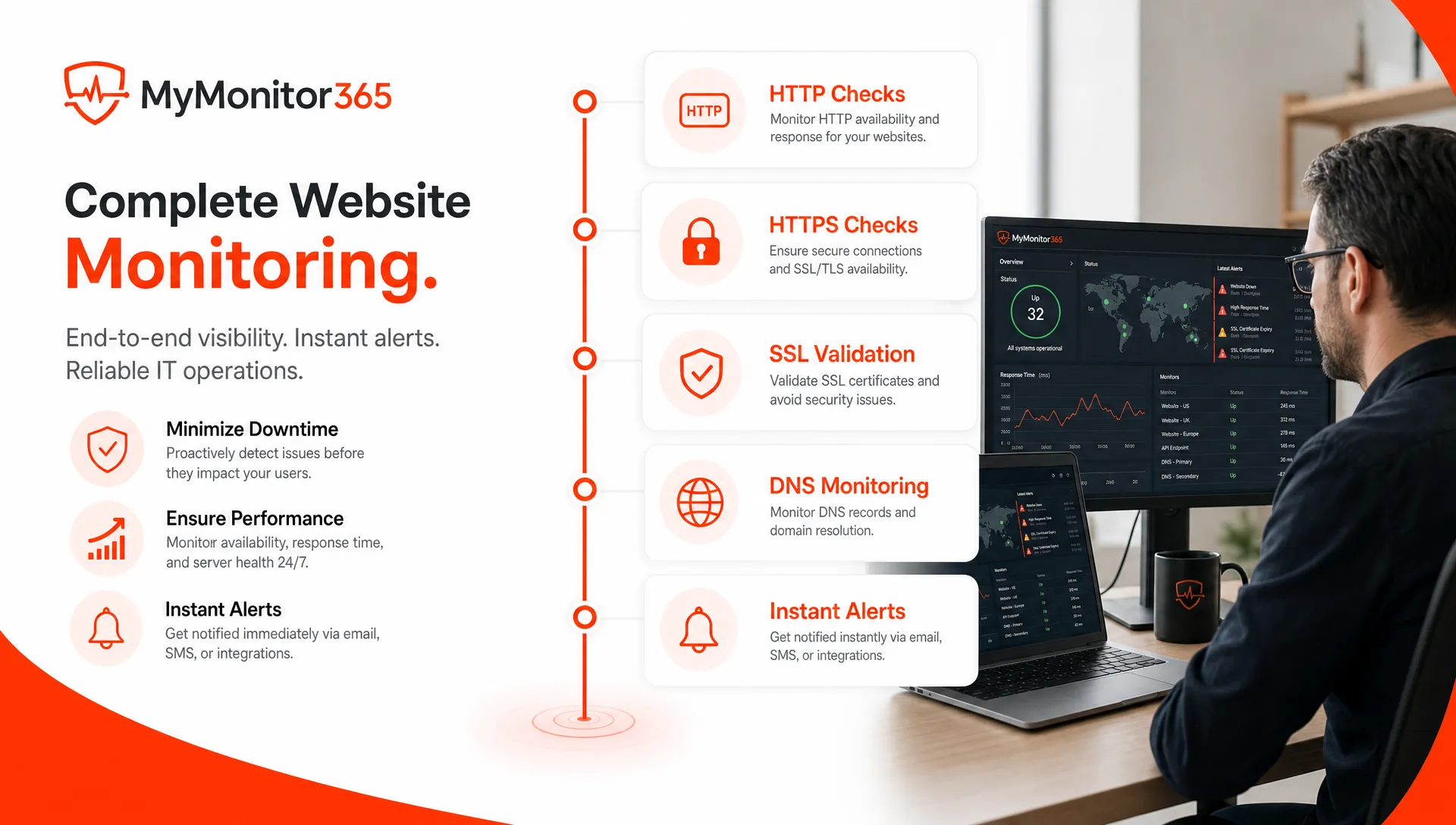
HTTP and HTTPS checks should sit within this broader monitoring model, not replace it.
When to monitor HTTP, HTTPS, or both
For most public-facing production services in 2026, HTTPS should be the primary monitor because it reflects the real user and API client path. However, there are still good reasons to monitor HTTP alongside it.
Monitor HTTP when you need to validate that unencrypted requests are redirected correctly, when a legacy or internal service still uses HTTP by design, when a load balancer health endpoint is only exposed over HTTP, or when you want to detect accidental exposure of content over port 80.
Monitor HTTPS when the service is user-facing, handles authentication, powers an API, supports customer portals, receives form submissions, or depends on browser and client trust. In practice, that includes most production websites, SaaS applications, admin panels, and public APIs.
Monitor both when the HTTP endpoint is part of the expected path. A common example is a user typing a bare domain into a browser. The request may start as HTTP, then redirect to HTTPS. If the redirect breaks, users may never reach the secure application even though the HTTPS endpoint itself is healthy.
A simple decision table can help teams standardize their approach.
| Scenario | Recommended monitor | Expected healthy result |
|---|---|---|
| Public website | HTTPS | Secure response, correct status, expected content |
| HTTP-to-HTTPS redirect | HTTP and HTTPS | HTTP redirects correctly, HTTPS loads final page |
| Public API | HTTPS/API | Secure response, expected status, valid payload |
| Internal legacy tool | HTTP or HTTPS based on design | Correct response from approved network paths |
| Certificate-sensitive service | HTTPS plus SSL checks | Valid certificate, trusted chain, correct hostname |
| Network service behind web port | TCP plus HTTP/HTTPS | Port accepts connections and application responds |
For services where the open port matters independently from page behavior, pairing web checks with TCP checks is useful. MyMonitor365’s article on TCP ports explained for smarter service monitoring covers that layer in more detail.
Metrics and conditions worth alerting on
Not every change deserves a page at 2 a.m. A mature HTTP HTTPS monitoring strategy separates urgent incidents from informational changes. The right alert conditions depend on the service, but several signals are broadly useful.
For HTTP and HTTPS endpoints, teams usually track availability, status code, response time, timeout frequency, redirect behavior, and expected content. For HTTPS specifically, teams should also watch certificate expiration, hostname validity, certificate chain problems, and TLS handshake failures.
Useful alert conditions include:
- Endpoint unavailable from multiple monitoring locations
- Unexpected 4xx or 5xx status codes
- HTTP redirect no longer points to the approved HTTPS destination
- Response time exceeds a defined threshold for repeated checks
- Expected keyword or page content is missing
- HTTPS certificate is expired, mismatched, untrusted, or close to expiration
- DNS change causes the monitor to reach the wrong endpoint
The “from multiple monitoring locations” part is important. A single failed check from one location can indicate a regional route, ISP, DNS resolver, firewall, CDN, or monitoring-node issue. Multi-location monitoring helps distinguish local noise from widespread user impact.
Common HTTP HTTPS monitoring mistakes
One frequent mistake is monitoring only the homepage. Homepages are often cached, simple, and more resilient than the workflows that actually matter. IT teams should also monitor login pages, API health endpoints, checkout flows, admin portals, customer dashboards, and other critical URLs.
Another mistake is accepting any 2xx or 3xx response as healthy. A 302 redirect to a login page might be correct for one endpoint and wrong for another. A 200 OK response can still contain an error message. A 403 might be expected for a protected endpoint, but a sign of misconfiguration for a public one.
A third mistake is ignoring DNS and certificate ownership boundaries. Many outages happen when DNS records change, CDN settings drift, or a certificate is renewed incorrectly. HTTP HTTPS monitoring should be coordinated with DNS change monitoring and SSL security checks so teams can see whether an outage is caused by the application, the network path, name resolution, or trust validation.
Finally, teams sometimes create alerts that are too noisy. If every transient timeout pages the on-call engineer, people stop trusting the system. Good monitoring uses sensible retry logic, maintenance windows, escalation policies, and collaboration tool integrations so the right people get the right signal at the right time.
How MyMonitor365 fits this monitoring model
MyMonitor365 is built for teams that need visibility across uptime, performance, and security signals without treating each layer as a separate island. For HTTP HTTPS monitoring, that means teams can track web and API availability while also monitoring related layers such as SSL, DNS, TCP ports, ping, and multi-location behavior.
That layered approach is especially useful for IT operations teams and MSPs responsible for many domains, services, and client environments. When an alert fires, the first question is rarely “is something wrong?” The real question is “where is it wrong, who is affected, and what changed?”
By combining HTTP/API monitoring, SSL security checks, DNS change monitoring, multi-location checks, maintenance windows, audit logs, two-factor authentication, keyword content checks, and alert integrations, teams can build a monitoring setup that reflects how production services actually fail.
Best-practice checklist for HTTP HTTPS monitoring
A practical monitoring plan does not need to be complicated. It needs to be specific, layered, and aligned with user impact.
Start by listing the URLs and APIs that matter most to the business. Identify the expected protocol, status code, redirect behavior, response time, and content for each one. Then decide which supporting layers, such as DNS, SSL, ping, or TCP, should be monitored alongside them.
A strong baseline includes:
- HTTPS checks for all production public websites and APIs
- HTTP checks for required redirects from port 80 to port 443
- SSL checks for certificate expiration, hostname match, and trust issues
- Keyword or content checks for pages where a 200 OK response is not enough
- Multi-location checks for services with regional users or global clients
- Maintenance windows for planned changes and certificate renewals
- Alert routing that matches ownership across network, security, and application teams
The result is faster triage. If HTTP redirect fails but HTTPS is healthy, the issue may be web server or load balancer configuration. If HTTPS fails but TCP 443 is open, the likely cause may be certificate or TLS negotiation. If both HTTP and HTTPS fail from several regions, the issue may be broader infrastructure, DNS, routing, or hosting availability.
Frequently Asked Questions
Is HTTPS monitoring better than HTTP monitoring? HTTPS monitoring is usually better for public production services because it matches how users and API clients connect. HTTP monitoring is still useful for redirect validation, internal legacy services, and specific health check scenarios.
Can a website pass HTTP monitoring but fail HTTPS monitoring? Yes. A server can respond over HTTP while HTTPS fails due to an expired certificate, hostname mismatch, incomplete certificate chain, TLS issue, or broken secure virtual host configuration.
Should I monitor both HTTP and HTTPS for the same domain? Monitor both when HTTP is part of the expected user path, especially when it should redirect to HTTPS. The HTTP check validates the redirect, while the HTTPS check validates the secure destination.
Is a 200 OK response enough to prove a page is healthy? Not always. A page can return 200 OK while showing an application error, maintenance message, wrong tenant, or broken login flow. Content checks and API response validation help catch these problems.
How often should HTTP HTTPS checks run? The right interval depends on business impact. Critical customer-facing services often need frequent checks, while lower-risk internal endpoints can be checked less often. The key is to balance fast detection with alert quality.
Turn HTTP HTTPS monitoring into actionable uptime visibility
HTTP and HTTPS monitoring are closely related, but they do not prove the same things. HTTP checks help validate web responses and redirects. HTTPS checks validate the secure path users depend on, including TLS and certificate trust. Together with DNS, SSL, TCP, ping, and multi-location monitoring, they give IT teams a clearer picture of service health.
If your team wants to catch outages before users do, MyMonitor365 provides infrastructure monitoring for websites, servers, DNS, SSL, HTTP/API endpoints, and network services, with instant alerts and integrations for modern IT operations.
Hashtags
#HTTPMonitoring #HTTPSMonitoring #UptimeMonitoring #NetworkMonitoring #ITOperations #MSPTools #InfrastructureMonitoring #SSLMonitoring #DNSMonitoring #MyMonitor365