
Two Factor Authentication Best Practices for IT Teams
Learn two factor authentication best practices for IT teams, from factor choice and recovery controls to admin enforcement and monitoring.
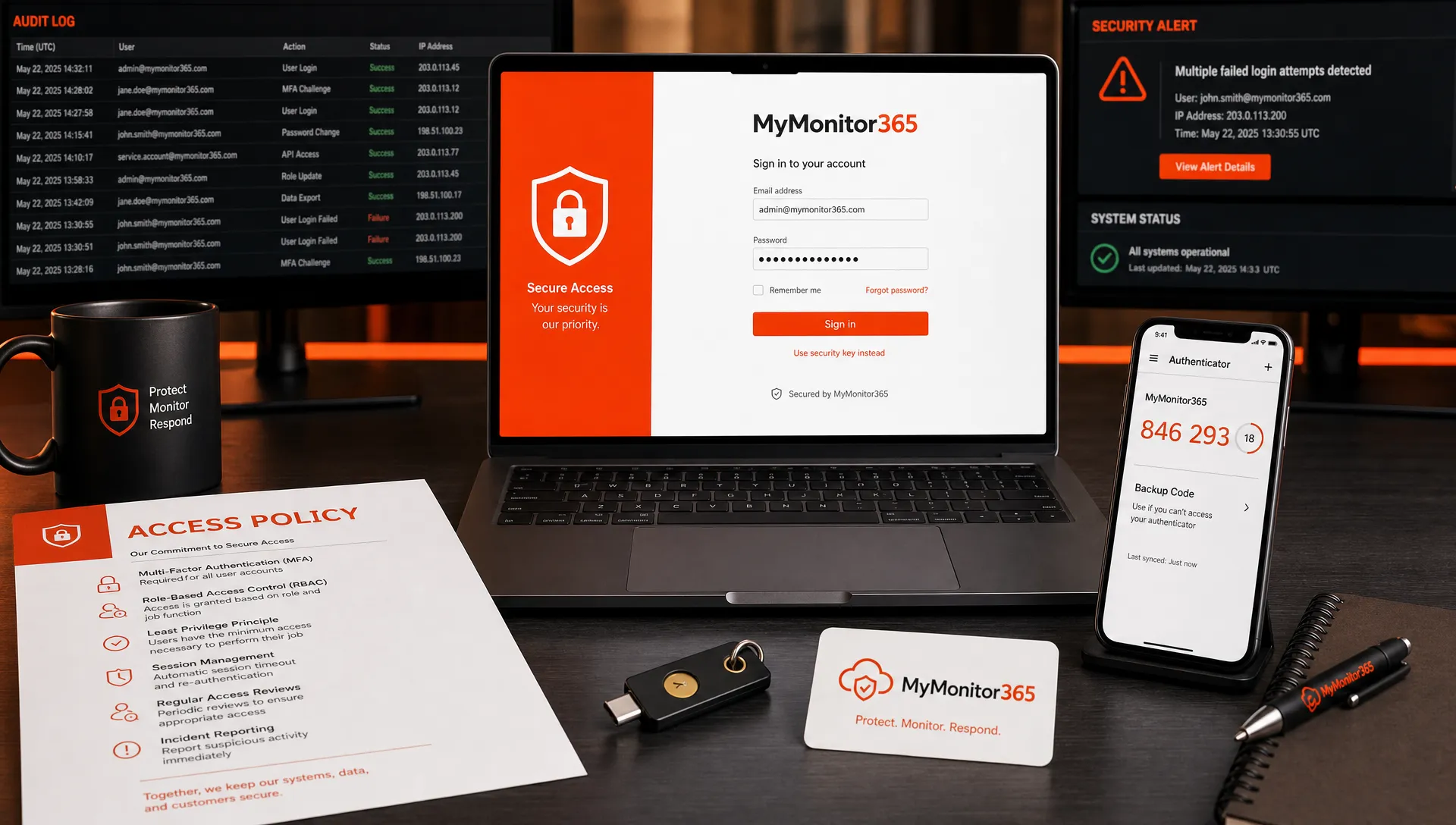
Two factor authentication is one of the highest-impact controls an IT team can deploy, but its effectiveness depends on how it is rolled out, enforced, monitored, and recovered when something goes wrong. A weak 2FA program can create false confidence. A strong one reduces account takeover risk without slowing down legitimate work.
For IT managers, network teams, CIOs, and IT operations leaders, the goal is not simply to “turn on 2FA.” The goal is to build an authentication layer that protects privileged access, supports incident response, fits the realities of day-to-day operations, and remains reliable during outages.
This guide covers practical two factor authentication best practices for IT teams, with a focus on admin access, monitoring environments, MSP workflows, and operational resilience.
Why two factor authentication matters for IT operations
Passwords fail for predictable reasons. They are reused, phished, stolen from third-party breaches, stored in browsers, shared over insecure channels, and guessed through automated attacks. Two factor authentication adds a second proof of identity, making a stolen password far less useful to an attacker.
For IT teams, the stakes are higher than a single inbox or SaaS account. A compromised admin account can allow an attacker to disable monitoring, change DNS records, alter SSL settings, access client environments, silence alerts, or create persistence before anyone notices.
Microsoft has reported that MFA can block the vast majority of automated account compromise attempts, and CISA strongly recommends phishing-resistant MFA for organizations that need stronger protection against credential theft. NIST’s digital identity guidance also emphasizes authenticator strength, replay resistance, and verifier impersonation resistance in modern authentication design.
In other words, 2FA is not just an access control. It is part of your resilience strategy.
Two factor authentication vs MFA: what IT teams should clarify
Two factor authentication requires two different categories of authentication evidence. Multi-factor authentication, or MFA, is the broader term and can involve two or more factors.
The common factor categories are:
- Something you know, such as a password or PIN
- Something you have, such as an authenticator app, hardware security key, or trusted device
- Something you are, such as a biometric factor
For most IT teams, “2FA” and “MFA” are often used interchangeably in everyday conversation. From a policy perspective, though, precision matters. If your internal standard says “2FA is required,” define which factor types are acceptable, which are restricted, and which accounts require stronger options.
A practical policy should answer three questions: who must use 2FA, which factors are allowed, and how exceptions are approved.
Choose the right authentication factors for the risk level
Not every factor offers the same protection. SMS is better than password-only access, but it is vulnerable to SIM swapping, number recycling, interception, and social engineering. TOTP authenticator apps are stronger for many teams, while FIDO2 security keys and passkeys can provide phishing-resistant protection where supported.
| Factor type | Strengths | Main risks | Best fit |
|---|---|---|---|
| Hardware security keys or passkeys | Strong phishing resistance, difficult to replay | Requires supported systems and user education | Privileged admins, executives, high-risk roles |
| TOTP authenticator apps | Broadly supported, works without cellular service, stronger than SMS | Can still be phished through real-time proxy attacks | General workforce, MSP technicians, monitoring platform access |
| Push-based authentication | Convenient and fast for users | Push fatigue attacks if prompts are not verified carefully | Low to medium-risk apps when number matching is available |
| SMS or voice codes | Easy to deploy, familiar to users | SIM swap, interception, social engineering | Temporary fallback or low-risk legacy systems |
| Email one-time codes | Simple and accessible | Weak if email account is compromised | Low-risk recovery flows, not privileged access |
For infrastructure monitoring platforms, DNS providers, cloud consoles, identity providers, remote access tools, password managers, and ticketing systems, stronger factors should be the default. These are control-plane systems. If they are compromised, the attacker can affect many downstream services.
Start with privileged and high-impact accounts
A phased rollout usually works better than a “big bang” deployment, especially in organizations with legacy systems or distributed teams. Start with accounts that can cause the most operational damage.
Prioritize 2FA for:
- Global administrators and identity administrators
- Network, firewall, VPN, and remote access administrators
- Cloud infrastructure and DevOps accounts
- DNS, domain registrar, and SSL certificate management accounts
- Monitoring, alerting, incident management, and status page tools
- MSP technician accounts with access to multiple client environments
- Finance, HR, and executive accounts targeted by phishing
This approach quickly reduces the blast radius of credential theft. It also gives your IT team time to refine enrollment, recovery, and support processes before expanding 2FA to the entire organization.
If your team uses MyMonitor365 to monitor websites, APIs, SSL certificates, DNS, and network services, protecting access to that monitoring environment is critical. You can review how MyMonitor365 supports TOTP-based two-factor authentication and how administrators can require stronger login protection for teams.
Make 2FA mandatory, not optional
Optional 2FA adoption tends to be uneven. Security-conscious users enable it, while higher-risk users may delay it. Attackers do not target based on who made the best security choice. They target the weakest available account.
For IT teams, mandatory enforcement should be the goal. That does not mean forcing everyone into the same factor on day one. It means creating a clear path from enrollment to enforcement.
A simple rollout model looks like this:
| Phase | Goal | IT team action |
|---|---|---|
| Preparation | Reduce surprises | Inventory systems, identify admins, define allowed factors |
| Pilot | Validate the process | Enroll IT, security, and a small business group |
| Privileged enforcement | Protect the highest-risk users | Require 2FA for admins and control-plane systems |
| Broad enforcement | Standardize protection | Require 2FA for all users and critical apps |
| Review | Improve over time | Audit exceptions, recovery events, and failed login patterns |
Clear deadlines matter. So do reminders, documentation, and support coverage during enforcement windows. The smoother the user experience, the fewer exceptions your team will need to approve.
Secure enrollment as carefully as login
2FA enrollment is a sensitive moment. If an attacker already has a user’s password, they may try to enroll their own device before the legitimate user does. That makes enrollment policy just as important as login policy.
IT teams should verify user identity before allowing factor enrollment or reset. For privileged accounts, avoid purely email-based resets. Use help desk verification, manager approval, identity provider workflows, or in-person validation where appropriate.
Enrollment best practices include using a trusted network or managed device for first setup, notifying users when a new factor is added, logging factor changes, and requiring reauthentication before modifying security settings. For admins, consider requiring a stronger factor before allowing new factor registration.
If users receive an unexpected “new authenticator added” message, they should know exactly how to report it. Treat that alert like a possible account compromise, not a routine support issue.
Build recovery procedures before users need them
Recovery is where many 2FA programs become fragile. Users lose phones, replace laptops, break hardware keys, leave the company, or travel without a backup method. If the recovery process is too loose, attackers exploit it. If it is too strict, legitimate users are locked out during urgent work.
A mature recovery process should include backup codes or backup factors, documented identity verification, expiration for temporary bypasses, manager or security approval for privileged accounts, and logging for every reset or bypass.
Break-glass accounts require special handling. They should be few in number, strongly protected, monitored closely, excluded only where technically necessary, and tested on a schedule. Store credentials securely, restrict who can access them, and alert when they are used.
For MSPs, recovery needs even more discipline. A single technician account may touch many client environments, so lost-device procedures and factor resets should never depend on informal Slack messages or unverified phone calls.
Do not ignore endpoint and device hygiene
Two factor authentication reduces the value of stolen passwords, but it does not make compromised devices safe. Malware, session hijacking, browser token theft, and remote access abuse can still bypass or weaken authentication controls.
IT teams should pair 2FA with managed endpoint security, patching, disk encryption, device inventory, and secure browser policies. Hardware lifecycle also matters. A laptop with outdated firmware, weak local admin controls, or unreliable repair history can undermine otherwise strong identity controls. For organizations that need professional device sourcing, repairs, and managed antivirus support, working with a trusted provider such as Levix for laptop service and security support can be part of a broader operational security program.
The key principle is simple: protect the identity and the device. Strong authentication is most effective when the endpoint, browser session, and network access path are also controlled.
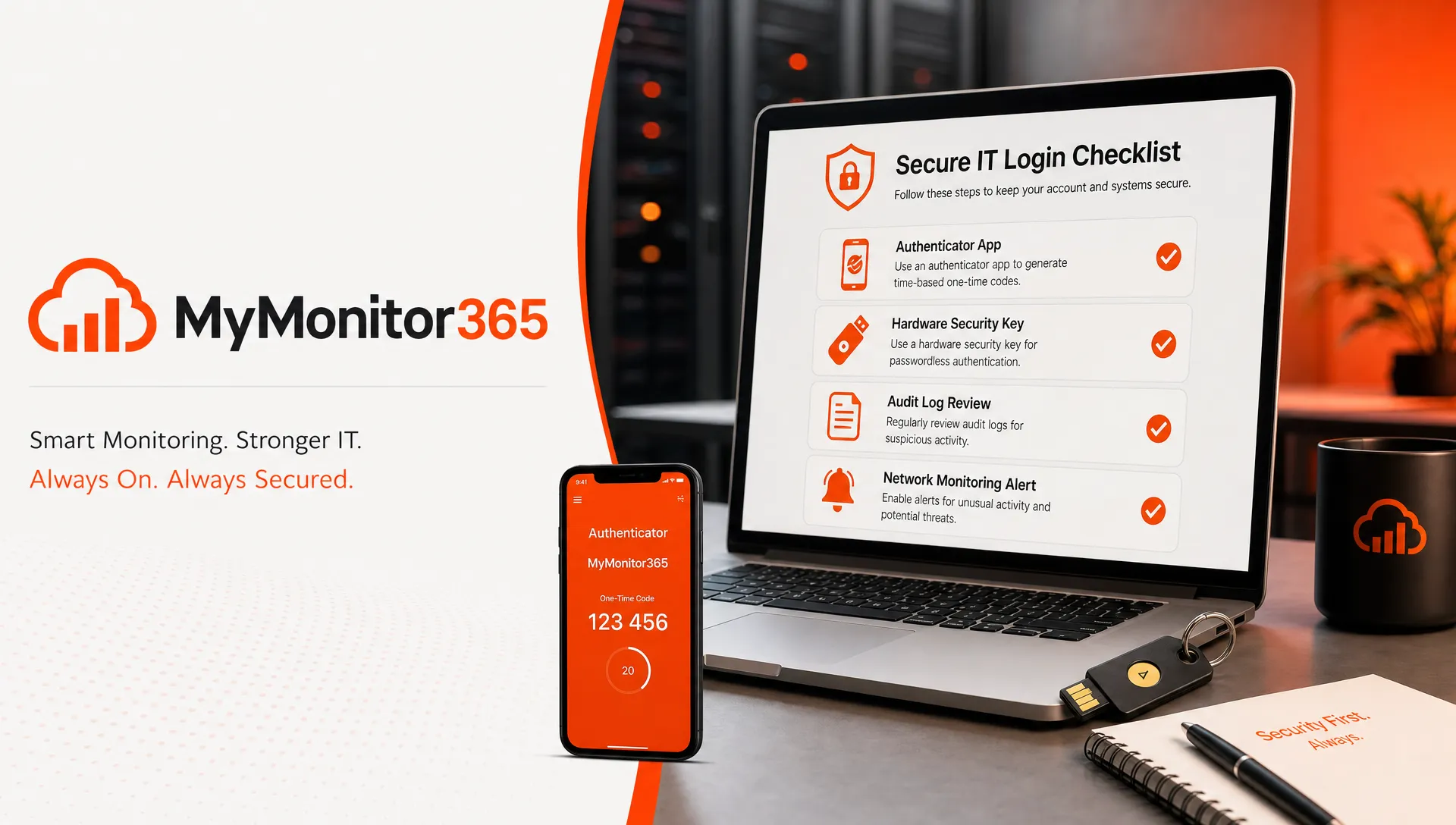
Monitor authentication changes and security signals
A 2FA program should generate useful security signals. Failed login spikes, repeated MFA prompts, new factor enrollments, bypass events, impossible travel alerts, and administrator role changes can all indicate risk.
Do not treat authentication logs as passive records. Integrate them into your detection and response workflow. At minimum, your team should review privileged account activity, alert on factor resets for admins, investigate repeated failed 2FA attempts, and correlate login anomalies with infrastructure changes.
This is where identity security and infrastructure monitoring begin to overlap. If a suspicious login is followed by DNS changes, certificate errors, disabled checks, or unexpected downtime, your team needs to connect those events quickly. That is why network and security monitoring should work together, especially for teams responsible for mission-critical services.
MyMonitor365 supports monitoring across HTTP/API checks, Ping and ICMP, TCP ports, SSL, DNS, and multiple locations. When authentication controls protect the people who manage those checks, and monitoring alerts protect the services themselves, IT teams get a stronger operational safety net.
Reduce friction without weakening security
User friction is one of the main reasons 2FA programs fail. If users are prompted constantly, they develop bad habits. If recovery takes too long, managers pressure IT to create exceptions. If the factor is confusing, adoption suffers.
The answer is not weaker security. It is better design.
Use clear enrollment instructions, short internal guides, screenshots where appropriate, and plain-language explanations of why 2FA matters. Encourage users to register backup methods before they need them. Avoid unnecessary prompts by using sensible session policies, but require fresh verification for sensitive actions such as changing passwords, adding authenticators, accessing admin consoles, or modifying monitoring and alerting settings.
For IT teams, role-based policy is usually better than one-size-fits-all enforcement. A service desk user, domain admin, developer, CFO, and MSP technician may all need 2FA, but not always the same factor strength or session behavior.
Train users against real attack patterns
2FA changes attacker behavior. Instead of only stealing passwords, attackers may try to trick users into approving prompts, entering TOTP codes into fake login pages, calling the help desk for a reset, or targeting session cookies after authentication.
Training should be short, repeated, and practical. Teach users to deny unexpected prompts, verify login URLs, report repeated 2FA requests, protect backup codes, and never share one-time codes with anyone. Help desk staff need separate training on social engineering because they are often targeted during factor reset attempts.
For administrators, include scenario-based drills. For example: an admin receives repeated authentication prompts at 2 a.m., a technician loses a phone while traveling, or a DNS provider login shows a new authenticator enrollment. The goal is to make the correct response familiar before a real incident occurs.
Review exceptions and service accounts regularly
Every 2FA program accumulates exceptions. Some are valid. Many become forgotten risk. Review them on a recurring schedule and ask whether each exception still has a business reason.
Common exception areas include legacy applications, service accounts, shared mailboxes, automation scripts, monitoring integrations, and emergency access accounts. Where interactive 2FA does not fit, use alternatives such as scoped API tokens, certificate-based authentication, managed identities, IP restrictions, dedicated service accounts, or short-lived credentials.
Never use a shared human admin account to avoid 2FA friction. Shared accounts weaken accountability and make incident response harder. If multiple people need privileged access, each person should have an individual account with strong authentication and auditable activity.
Align 2FA with downtime prevention
A strong 2FA policy should not accidentally create new downtime risks. If only one person can approve access during an incident, or if every admin is locked out after a phone migration, your security control becomes an operational bottleneck.
Build redundancy into access. Multiple trained admins should have secure access to critical systems. Backup factors should be tested. Break-glass procedures should be documented. Changes to monitoring, DNS, SSL, and network controls should be logged and reviewed.
This is especially important for organizations protecting customer-facing systems. Authentication failures, certificate problems, DNS mistakes, and network outages can compound quickly. A layered plan for protecting mission-critical services from downtime should include both access security and external monitoring.
A practical 2FA checklist for IT teams
Use this checklist to assess whether your current two factor authentication program is operationally mature:
| Control area | What good looks like |
|---|---|
| Coverage | 2FA is required for admins, remote access, monitoring tools, cloud consoles, DNS, SSL, and critical SaaS |
| Factor strength | High-risk accounts use TOTP, passkeys, or hardware security keys instead of SMS where possible |
| Enrollment | New factor setup requires reauthentication and triggers user notification |
| Recovery | Lost-device and reset workflows include identity verification, approvals, expiration, and logging |
| Exceptions | Every exception has an owner, reason, review date, and compensating control |
| Monitoring | Factor changes, failed attempts, bypasses, and admin logins are reviewed or alerted on |
| Training | Users know how to respond to unexpected prompts, phishing pages, and reset requests |
| Resilience | Break-glass accounts and backup factors are tested without becoming everyday shortcuts |
If several rows are weak, treat 2FA improvement as an infrastructure reliability project, not just a security task.
Frequently Asked Questions
What is the best form of two factor authentication for IT teams? For high-risk accounts, phishing-resistant methods such as hardware security keys or passkeys are strongest where supported. TOTP authenticator apps are a practical and widely supported option for many IT environments. SMS should generally be treated as a fallback rather than the preferred method.
Should every employee be required to use 2FA? Yes, most organizations should move toward 2FA for all users, but IT teams should prioritize privileged, remote access, finance, executive, and control-plane accounts first. A phased rollout reduces disruption while addressing the highest risks early.
How often should 2FA settings and exceptions be reviewed? Review privileged access and exceptions at least quarterly, and review immediately after security incidents, major staff changes, mergers, system migrations, or changes to identity provider policy.
Can 2FA stop phishing completely? No. Some 2FA methods can still be phished, especially SMS and TOTP codes entered into fake login pages. Phishing-resistant authentication, user training, endpoint security, and monitoring are still necessary.
How should IT teams handle lost phones or authenticator apps? Use a documented recovery workflow with identity verification, approval for privileged users, temporary access expiration, and audit logging. Encourage users to register approved backup methods before they lose access.
Strengthen access to your monitoring stack
Two factor authentication protects the people who manage critical systems. Monitoring protects the systems themselves. IT teams need both.
With MyMonitor365, teams can monitor HTTP and API endpoints, SSL certificates, DNS changes, network reachability, TCP ports, and service availability from multiple locations, while using security controls such as two-factor authentication, audit logs, maintenance windows, and alert integrations to support reliable operations.
If your team wants to reduce outage risk and strengthen access to monitoring workflows, explore MyMonitor365 and start building a more resilient monitoring strategy.
Hashtags
#TwoFactorAuthentication #MFA #ITSecurity #ITOperations #NetworkMonitoring #MSP #CyberSecurity #MyMonitor365