
SSL Support Checklist for Faster Certificate Recovery
Use this SSL support checklist to prepare owners, access, alerts and runbooks so IT teams recover from certificate issues faster.

Certificate incidents rarely fail politely. An expired certificate, broken chain or hostname mismatch can turn a normal login flow into browser warnings, failed API calls and customer support tickets in minutes. A practical SSL support checklist gives IT operations, network teams and MSPs a repeatable way to recover faster instead of improvising under pressure.
For many organizations, certificate recovery still depends on one person knowing where the private key lives, which load balancer terminates TLS or which vendor account owns the renewal. That works until the alert fires during a vacation, acquisition, migration or after-hours change window.
The goal is not only to renew certificates on time. The goal is to make certificate failures easier to detect, assign, fix and validate across every public endpoint you operate.
Why an SSL support checklist speeds certificate recovery
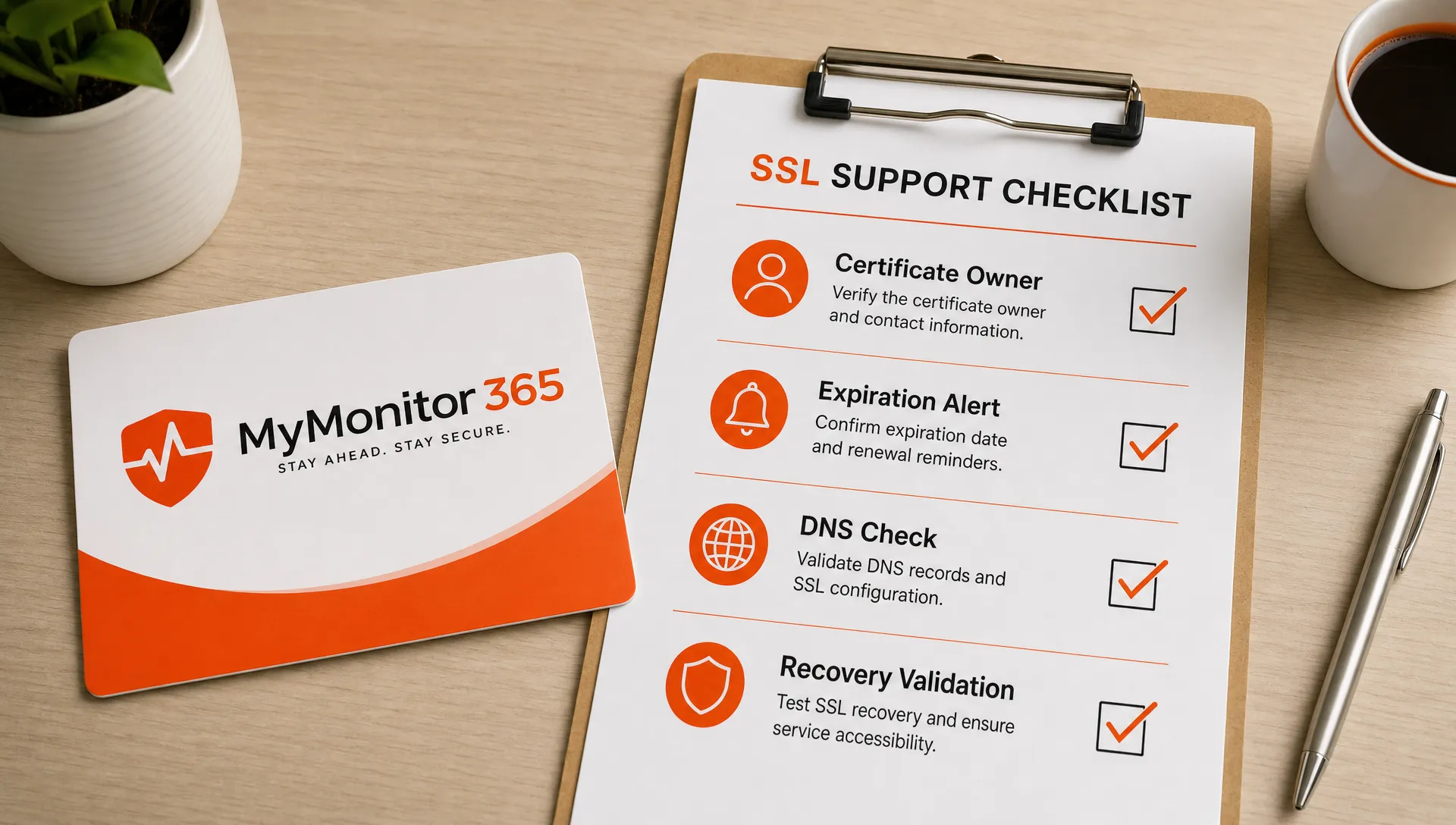
An SSL support checklist turns certificate management from tribal knowledge into an operational process. It documents who owns each certificate, how alerts are routed, what access is required, which systems must be updated and how recovery should be confirmed from the outside.
This matters because TLS failures often involve more than the certificate file itself. A renewed certificate may be installed on the origin server but not on the CDN. A wildcard certificate may protect the main domain but miss a new subdomain. A root or intermediate certificate may be trusted by most clients but fail on older systems. A DNS change may direct traffic to an endpoint that still presents the old certificate.
If your team needs a refresher on the underlying concepts, this guide to SSL and TLS certificate basics for IT teams is a useful companion. The checklist below assumes you already know what certificates do, then focuses on making recovery faster when something breaks.
Certificate failures are operational incidents
Treat certificate errors as service incidents, not cosmetic security warnings. Users may be blocked from reaching your site, API clients may reject connections and automated integrations may fail closed. Even when the application is healthy, a certificate problem can make it look unavailable.
The business impact applies across industries. A public-facing real estate brokerage such as NetRealtyNow depends on visitors being able to reach listing information and lead forms securely, just as SaaS portals, healthcare sites, payment flows and MSP customer portals do.
A strong SSL support process gives responders the same clarity they expect for server, DNS or network incidents. The team should know the severity, affected hostname, likely owner and validation path without waiting for manual investigation.
Recovery needs more than renewal access
Certificate recovery is often delayed by missing access, not missing knowledge. A responder may know exactly what needs to be done but lack access to the certificate authority account, cloud load balancer, reverse proxy, DNS provider, CDN or password vault.
For MSPs and distributed IT teams, the access problem becomes harder because each client environment may have different vendors and approval paths. A checklist prevents small gaps from turning into long outages.
The SSL support checklist: people, access and evidence
The first part of your SSL support checklist should cover operational readiness. Before looking at ciphers, chains or renewal windows, confirm that humans can act quickly when an alert arrives.
Define ownership and escalation
Every certificate should have an owner, a backup owner and an escalation route. The owner is responsible for renewal readiness, documentation and acceptance of alert noise. The backup owner must be able to act when the primary owner is unavailable.
Ownership should be tracked by service, not just by domain. For example, api.example.com, admin.example.com and www.example.com may all use TLS, but they may be managed by different teams or platforms. Grouping everything under “web” usually creates confusion during incidents.
At minimum, document the following for each monitored endpoint:
- Primary and secondary technical owner
- Business service supported by the hostname
- Certificate authority or issuing platform
- Renewal method, including manual, ACME or managed cloud certificate
- Systems where the certificate must be deployed
- Required approval path for emergency replacement
Verify access before there is an incident
Access checks should be part of routine operations. The worst time to discover a disabled admin account is after browsers start showing certificate warnings.
Confirm that at least two authorized responders can access the CA portal, DNS provider, CDN, cloud console, configuration repository and secret management system. If production changes require change approval, define the emergency process in advance.
This is also where audit logs matter. When multiple responders touch certificate files, DNS settings or load balancer listeners, the team needs a clear record of who changed what and when. That record helps with incident review, compliance and root cause analysis.
Keep validation evidence ready
Some certificate requests require domain control validation, organization validation or vendor-side approval. Recovery can slow down if validation email addresses are outdated, DNS records are locked behind another team or legal entity details no longer match.
Build a small evidence pack for important domains. It should include registrar ownership, approved validation methods, expected DNS zones, CA account details and business contacts. This makes emergency replacement faster and reduces the chance of issuing a certificate for the wrong name.
| Checklist area | What to prepare | Why it speeds recovery |
|---|---|---|
| Ownership | Primary owner, backup owner and escalation channel | Reduces assignment delays during alerts |
| Access | CA, DNS, CDN, load balancer and vault permissions | Lets responders act without waiting for account recovery |
| Validation | Domain control method and business contacts | Prevents renewal delays when CA validation is required |
| Deployment | Server, proxy, container or cloud service locations | Avoids installing the certificate in only one place |
| Verification | External checks for expiry, hostname and chain | Confirms the fix from the user perspective |
Technical checks to include in the runbook
The technical side of SSL support should answer one question quickly: what exactly failed, and where must the fix be applied? Your runbook should be specific enough that an on-call engineer can follow it without guessing.
Confirm certificate scope and hostname coverage
Start with the hostname that triggered the alert. Confirm the certificate common name and subject alternative names match the endpoint being served. Many incidents come from simple scope problems: a certificate covers www.example.com but not example.com, or it covers production but not a regional subdomain introduced during a launch.
For wildcard certificates, document the limitations. A wildcard for *.example.com does not cover example.com itself and does not automatically cover every deeper nested hostname. Your runbook should list endpoints that rely on wildcard coverage so responders can spot mismatches quickly.
Validate the full chain from outside your network
A certificate may look correct on the server but fail for users because the intermediate chain is incomplete or presented in the wrong context. Internal tests can also miss problems if corporate trust stores or SSL inspection devices hide the real client experience.
Validate externally from more than one location whenever possible. Check the leaf certificate, intermediate certificates, trusted root, expiration date, hostname match and protocol behavior. For a deeper operational approach, MyMonitor365 has a practical guide to SSL domain certificate monitoring that expands on what continuous checks should include.
Test DNS, CDN and load balancer propagation
Certificate changes may need to be deployed in several places. Common locations include origin servers, Kubernetes ingress controllers, API gateways, cloud load balancers, reverse proxies and CDN edge configurations.
DNS can complicate recovery. If a record points some users to an old endpoint, they may still receive the stale certificate after the fix. Multi-location checks help reveal regional differences, especially when traffic is served through global CDNs or geo-aware DNS.
Your runbook should include a post-change validation path for each layer. Confirm the certificate presented at the public hostname, not just the certificate stored in the admin console.
Alerting and monitoring that shortens recovery time
Monitoring turns SSL support from a calendar task into an early warning system. Renewal reminders are useful, but they are not enough. Teams also need alerts for unexpected certificate replacement, hostname mismatch, chain errors, DNS changes and endpoints that stop responding over HTTPS.
Tune alerts around renewal windows
Use multiple alert thresholds before expiration. A common pattern is to notify early enough for normal renewal work, then escalate as the deadline approaches. The exact timing depends on your change process, but the principle is simple: warnings should arrive while there is still time to fix process failures.
Avoid routing every certificate warning to a generic mailbox. Send alerts to service owners and on-call channels that are already monitored. For MSPs, alerts should also make the affected client or tenant obvious.
If expiration has been a recurring problem, this guide on preventing security certificate expiration issues covers inventory, ownership and automation practices that reduce repeat incidents.
Monitor from multiple locations
A certificate can pass from one location and fail from another. CDN propagation, regional edge nodes, split DNS and network middleboxes can create inconsistent results. Multi-location monitoring gives IT teams evidence that the public service is working for more than one path.
This is especially useful after replacement. Instead of assuming the fix is complete because one browser test passes, responders can validate the certificate from different regions and reduce the chance of a partial recovery.
Include content and API checks
Certificate recovery is not complete just because the TLS handshake succeeds. The application still needs to return the expected page, status code or API response. A successful connection to a maintenance page may satisfy a basic HTTPS test but still represent an outage.
Add HTTP/API monitoring and keyword content checks to critical services. These checks help confirm that users can reach the intended service after the certificate is replaced, DNS is updated or a load balancer listener is changed.
Incident workflow: from alert to closure
A mature SSL support workflow gives responders a short, repeatable path from detection to closure. The workflow should be simple enough for on-call use, but detailed enough to avoid missed steps.
First 15 minutes
The first response should classify impact and identify the failing layer. Confirm the alert, affected hostname, service owner and customer impact. Then determine whether the issue is expiration, hostname mismatch, chain failure, unsupported protocol, DNS drift or endpoint unavailability.
Keep the first actions focused. Assign an incident owner, open the relevant communication channel and collect evidence from external checks. If the service is customer-facing, notify support or account teams before users start reporting the same issue through separate channels.
Recovery actions
Once the failure mode is known, follow the deployment path for that endpoint. Renew or reissue the certificate if needed, deploy it to each termination point and reload or restart only the required services. When automation is involved, verify that the automation completed successfully rather than assuming it did.
For managed certificates, confirm that the platform has completed domain validation and attached the new certificate to the correct listener, distribution or gateway. For manually deployed certificates, verify file permissions, private key match and service configuration.
Closure and review
Do not close the incident until external monitoring confirms the certificate is valid and the application behaves correctly. Check the public hostname, certificate chain, expiration date and expected content or API response.
After closure, update the checklist. Add missing owners, expired contacts, unclear deployment locations or alerting gaps discovered during the incident. The best runbooks improve after every recovery.
FAQ
What should an SSL support checklist include? An SSL support checklist should include certificate ownership, backup contacts, CA access, DNS and CDN access, deployment locations, validation steps, monitoring alerts and post-recovery verification.
How often should IT teams review certificate recovery procedures? Review critical certificate procedures at least quarterly and after any major platform, DNS, CDN or ownership change. High-risk customer-facing services may need more frequent access and alert testing.
What is the fastest way to recover from an expired certificate? The fastest path is to identify the affected hostname, confirm the issuing method, renew or reissue the certificate, deploy it to every TLS termination point and validate externally from multiple locations.
Why do certificate fixes sometimes work for some users but not others? Regional CDN nodes, DNS propagation, load balancers or cached configurations can present different certificates to different users. Multi-location monitoring helps detect these partial recovery states.
Should MSPs use the same checklist for every client? MSPs can use a standard framework, but each client needs environment-specific details such as CA accounts, DNS providers, escalation contacts, maintenance windows and deployment targets.
Build faster certificate recovery with MyMonitor365
If your SSL support process still depends on calendar reminders and manual browser checks, it is time to make recovery more observable. MyMonitor365 helps IT and MSP teams monitor HTTPS endpoints, SSL certificates, DNS changes, HTTP/API behavior, ping, ICMP and TCP ports from multiple locations.
You can use alerts, maintenance windows, integrations and audit logs to keep certificate issues visible, route incidents to the right people and confirm recovery before users notice. Start with your most critical public hostnames, then expand monitoring across APIs, client portals, network services and managed customer environments.
Hashtags
#SSL #TLS #CertificateMonitoring #UptimeMonitoring #ITOperations #NetworkMonitoring #MSP #CyberSecurity #IncidentResponse #DNSMonitoring